Streaming and Connections
Why Is My TV Not Recognizing HDMI?
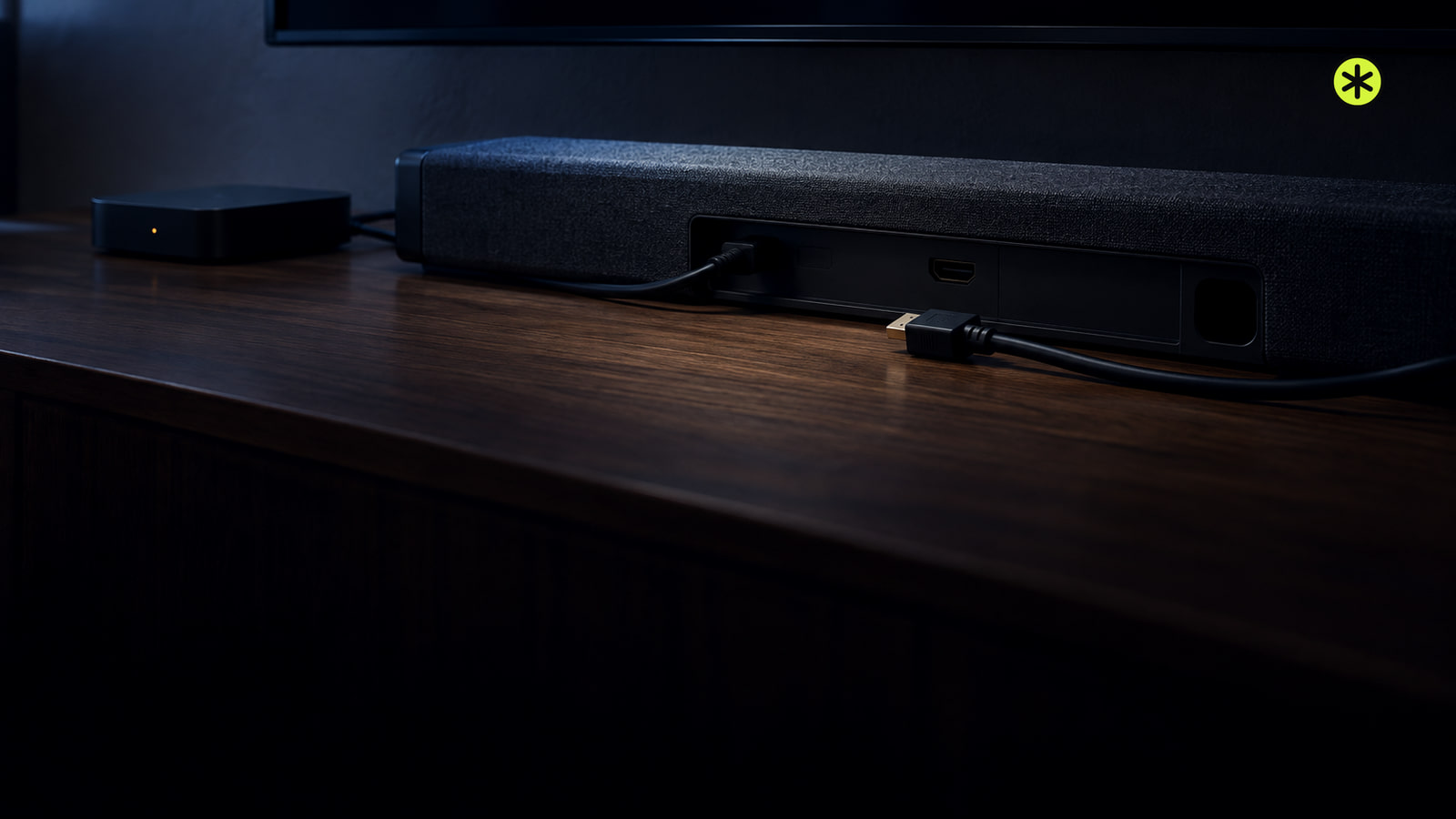
If your TV is not recognizing HDMI, check that the source is on and the selected input matches its port. Then compare the cable, source and TV ports.
Editorial byline
Audio and home theater. TunedRoom covers audio connections, home theater setup and listening systems, with guides organized around the signal path.
24 stories on the bill
Streaming and Connections
If your TV is not recognizing HDMI, check that the source is on and the selected input matches its port. Then compare the cable, source and TV ports.
TV and Soundbars
Restart a Sony TV by holding POWER on the remote for about five seconds until Power off appears. It should return in about a minute without erasing settings.
Speakers
A flashing orange battery light means low charge. If the status light flashes instead, what happened just before it flashed tells you what to do.
TV and Soundbars
If your Samsung soundbar subwoofer won't link, check the LINK light, run ID SET on both units, and look for a solid blue light.
TV and Soundbars
If your TV says No Signal or stays black on HDMI, check the device, input and cable first. A few comparisons can narrow down the cause.
Streaming and Connections
“No Signal” means the TV isn’t receiving video on the selected input. Match the HDMI port, then test the connection and player power.
Headphones
How long does it take for Beats to charge? Solo 4 takes about 2 hours 15 minutes and Studio Pro takes 2 hours; other models have shorter documented top-ups.
Vinyl
These turntables provide analog line output through an internal phono preamp. Each lets you use an amplifier without a dedicated phono input.
TV and Soundbars
Place the subwoofer on the floor beside the TV and soundbar, then compare a front corner and any usable side or sofa spot from your seat.
Streaming and Connections
Pair Bluetooth headphones in your Roku TV's Wireless headphones menu, or connect them to your phone and use the free Roku app's Headphone Mode.
Streaming and Connections
Connect your Mac to the Nebula’s HDMI input, or use wireless mirroring through a projector-side AirPlay receiver. The Mac desktop confirms it worked.
Speakers
Restart a stuck Sonos speaker to keep its setup. Factory reset it for a new owner or when the app asks during setup; flashing green means it’s ready.
Streaming and Connections
Connect an optical digital audio cable from your TV's output to your audio device's input, choose the right settings, and check what to do if there's no sound.
TV and Soundbars
Improve your TV sound by comparing sources first, then trying a dialogue setting for muffled voices or night mode for loudness swings.
Home Theater
Low volume or no sound from home theater speakers? Check the source, speaker output and connections on a receiver or soundbar before arranging service.
Headphones
Headphones crackling? Compare recordings, volume and devices, then follow the wired, Bluetooth or playback check that matches what you hear.
Streaming and Connections
Wake the source, select the matching HDMI input, and reseat the cable. If there’s still no picture, try a known-working cable and a direct connection.
Speakers
Set the speakers roughly as far apart as each is from your seated ears, then adjust the gap until a voice stays centered and the sound has width.
Speakers
Plug in your Sonos Play:3, use the app that controls your system, and follow setup until its room appears and plays.
TV and Soundbars
Match a computer audio output to a soundbar input, connect or pair them, then select the bar in your sound settings and play a test clip.
Home Theater
If your Epson projector won’t turn on, test the outlet and cord, then read its lights. A warning that returns after the applicable owner checks, including a permitted lamp replacement, needs service.
Streaming and Connections
If HDMI shows a picture but plays no sound, check the selected speakers and audio format first. Then compare the cable, TV port, and source.
TV and Soundbars
Test the TV’s outlet with a lamp, plug it directly into a working wall outlet, and press its own Power button. Then follow its light and sound.
TV and Soundbars
Turn on your device, match its TV port to the input, then follow the screen: No Signal, a missing input, and an unresponsive remote need different fixes.