Start with the remote, then the cables
- No Signal means the TV isn't getting a usable signal from its source, so trace that path first.
- Wait until the thunderstorm is over before you touch the TV, the box or any cords. The remote is fine to use.
- Check the source is on and the input matches its port, then reseat the cable and try another port.
- No message or picture at all, or a known-good setup that still fails? Contact your TV maker. Outages and cable boxes go to your provider.
Your TV woke up after the storm and can still put its own message on screen, which points toward the cables or the device feeding it. We'd start with the remote rather than the cables: checking that the box or player is awake and the input matches its port needs no unplugging, and the remote is safe to use even while thunder's still rolling.
- The thunderstorm has passed. Until then, leave the TV, the box and every cord alone.
- You've noted what's on screen, either a No Signal message or nothing at all.
- You know what feeds the TV, such as a cable or satellite box, a disc player or another HDMI device.
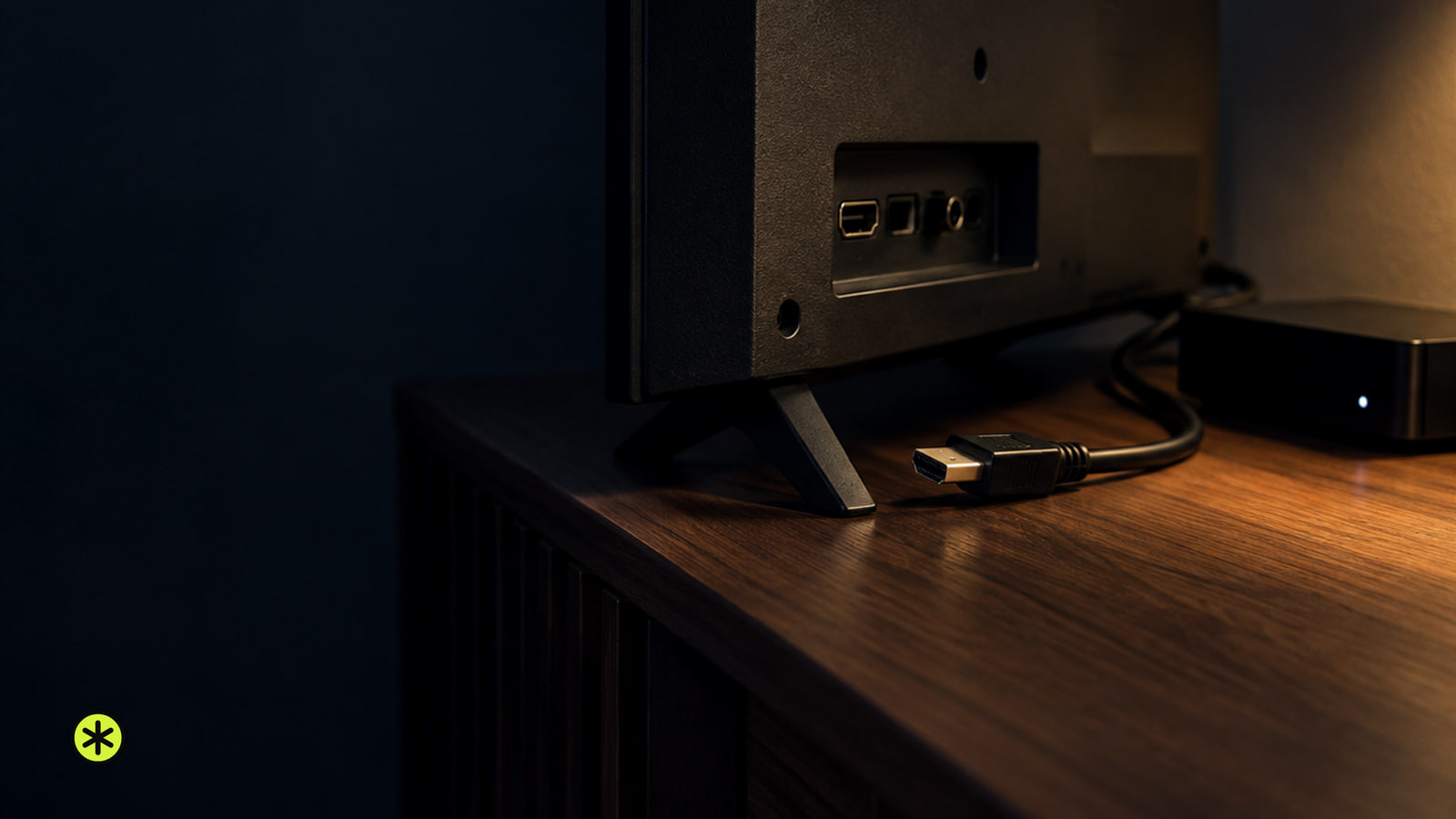
What the screen is actually telling you
A No Signal message, or a blank screen, shows up when the TV isn't getting a proper signal from whatever it's set to. If the message appears, the TV is on and the trouble may sit in the cables or the device feeding it.
Lightning can get into a house through wires that run outside it, including the TV reception system, and its surges can damage electronics some distance from the strike. That's why every link in the chain earns a check: the storm tells you when, and the checks below tell you where.
On LG TVs, a volume press sorts the two cases. If the volume bar appears, look at the external device or cable connections; if it doesn't, the TV itself may have a problem.
If the TV is on but no message or picture appears at all, a missing source signal is still possible. On LG TVs, use the volume-bar check above: if the bar appears, keep checking the box or cables; if it doesn't, the TV itself may have a problem, so contact LG support for further diagnosis.
Is the box awake and the input right?
These need only the remote and a look at the back of the TV. Check the screen after each one, and keep your device manuals handy for model-specific buttons.
- Make sure the cable box, satellite receiver or player is on and not sitting in standby. If it won't turn on at all, contact that device's manufacturer.
- Find which port the source's cable plugs into, such as HDMI 1, then press Input, Source or TV/VIDEO on the remote until the TV is set to that same input.
- On Sony TVs that are tuned to a channel, try a different one, since a broadcast problem on the channel you were watching can bring up the same message.
- Try a different source or movie, such as a disc player, and see whether the TV picks up a signal from it.
If the stuck source is connected by HDMI, our guide to a TV not recognizing HDMI covers more comparisons alongside the steps here.
Restart the TV and the box
Restart times differ by brand, so follow your own TV's and box's instructions when they differ from the examples here. Check the picture after each round.
On Sony TVs with an HDMI source, turn off the TV and the source, wait about 60 seconds and turn them back on. If that doesn't help, do a full power reset by unplugging both from the outlet, waiting about 2 minutes and plugging them back in.
Can't reach the outlet? If everything's on a power strip, switch the strip off, or you may be able to turn off the breaker for that wall outlet.
On LG TVs fed by a set-top box, unplug the box's power cable and reconnect it after five seconds, then do the same with the router. Next, reconnect the cable securely into the correct ports and reseat the box's HDMI cable the same way.
Swap one thing at a time on the HDMI path
These checks are for a source connected by HDMI, and they mean handling cables, so they wait until the thunderstorm has passed. Change one thing, then look at the screen before changing the next.
- Unplug the HDMI cable at both the source and the TV, then plug it back in firmly at each end.
- Still nothing? Move the same cable to a different HDMI port on the TV and switch the TV's input to that port.
- Try a different HDMI cable. Samsung recommends a high-speed, high-quality cable for the best results.
- Connect a different external device and see whether it shows up.
On Samsung TVs, a source that works in a new port but not the original one means the device and cable are fine and the original HDMI port needs repair, so schedule service.
The last swap can point two ways in Samsung's next steps: contact the original device's maker if the problem stays with that device, and request TV service if the different device still won't work after every other check.
When the box itself has no signal coming in
With cable or satellite, No Signal can mean nothing is reaching the TV from the box or the provider. Once the storm's over, check the cable coming into your home and make sure its connection to the box is secure and in good condition.
Look for splitters or other devices on the line to the box. Remove them, unless your provider requires them, and connect the cable straight to the box. If that doesn't help, try a new cable.
With a satellite dish, weather interference or something blocking the dish can also cut the signal.
If the box still has nothing, ask your satellite or cable provider whether there's an outage in your area. A box that stays stuck may need inspection, and that's your provider's job too.
Storm questions that come up
Didn't my surge protector stop this?
Not necessarily. A typical surge protector won't protect equipment from a lightning strike, and surges can damage electronics some distance from where it hit.
Is it safe to use the remote while it's still storming?
Yes. Remote controls are safe to use. It's the TV, the cords and other electrical equipment you should leave alone until the storm passes.
Does No Signal mean lightning broke my TV?
It means the TV isn't receiving a proper signal from the source it's set to. Work through the source, input and cable checks, looking at the screen after each one, to find where the signal stops.
More in this category