Streaming and Connections
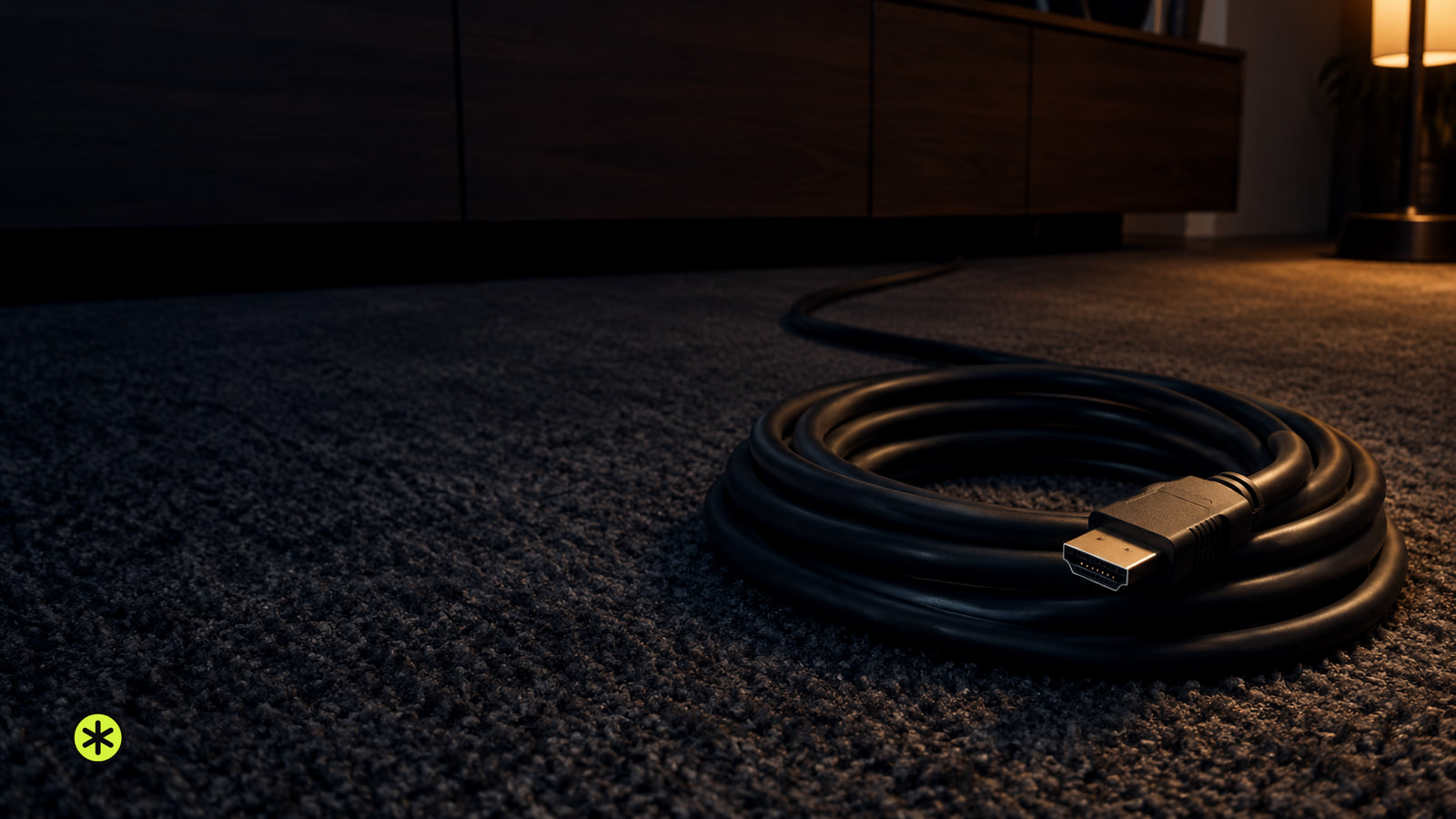
How Far Can an HDMI Cable Go?
HDMI has no fixed maximum length. Certified passive cable can carry 4K at 120 Hz for about 25 feet; verify the exact length and test your setup.
Editorial byline
Audio and home theater. TunedRoom covers audio connections, home theater setup and listening systems, with guides organized around the signal path.
24 stories on the bill
Streaming and Connections
HDMI has no fixed maximum length. Certified passive cable can carry 4K at 120 Hz for about 25 feet; verify the exact length and test your setup.
Speakers
Wondering how do Bluetooth speakers work? Follow the audio from pairing to sound, and see how compression, obstacles and nearby signals affect listening.
Speakers
The 500 series FET compressor kit built on the early 1176, with its kit contents, price, stereo linking notes and where things stand now.
Speakers
The five band fully parametric 500 series equalizer kit, what was in the box, what it cost, what fully parametric means and where it is sold now.
Speakers
The 500 series microphone preamp kit built on the Neve 1073 circuit, with its published specs, kit contents, the NV73EQ add-on and where it is sold now.
Speakers
What the UK kit maker sold from this address, what came in each box, and where the same kits are sold now.
Headphones
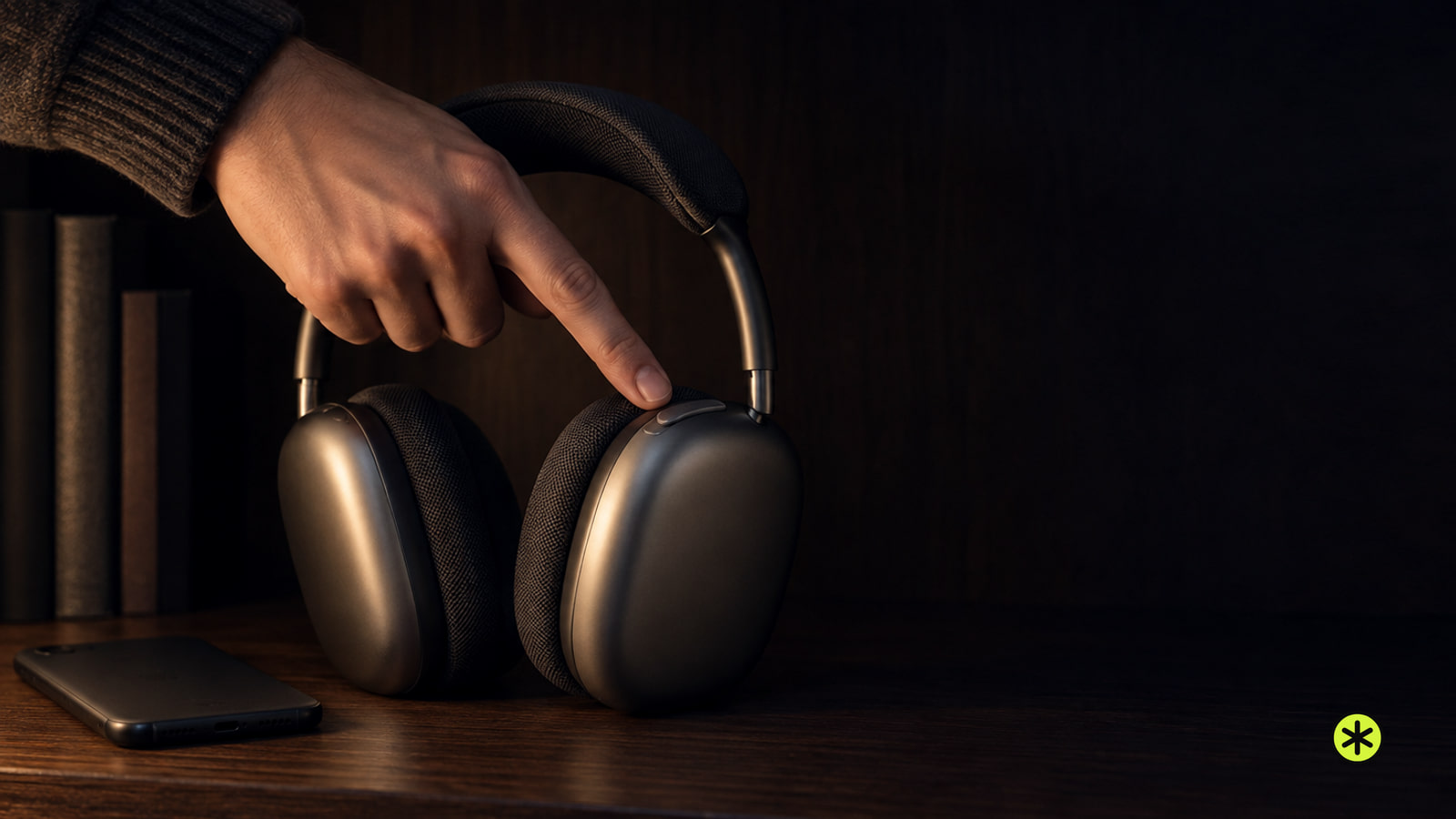
Wear and connect both AirPods, then hold a stem until the mode changes. Select Noise Cancellation by name on your connected device to confirm it’s on.
Speakers
Pair a Bose speaker that has Bluetooth built in. For an older system, add a Bluetooth audio receiver to its input, or an amplifier for passive speakers.
Headphones
Close both Samsung Buds in their case for 5 to 6 seconds, then open it near your phone. Used Buds need their model’s pairing gesture first.
Streaming and Connections
Connect your computer to the TV with HDMI, or use a supported wireless receiver. Select the TV input, choose a display mode, and set the sound output.
TV and Soundbars
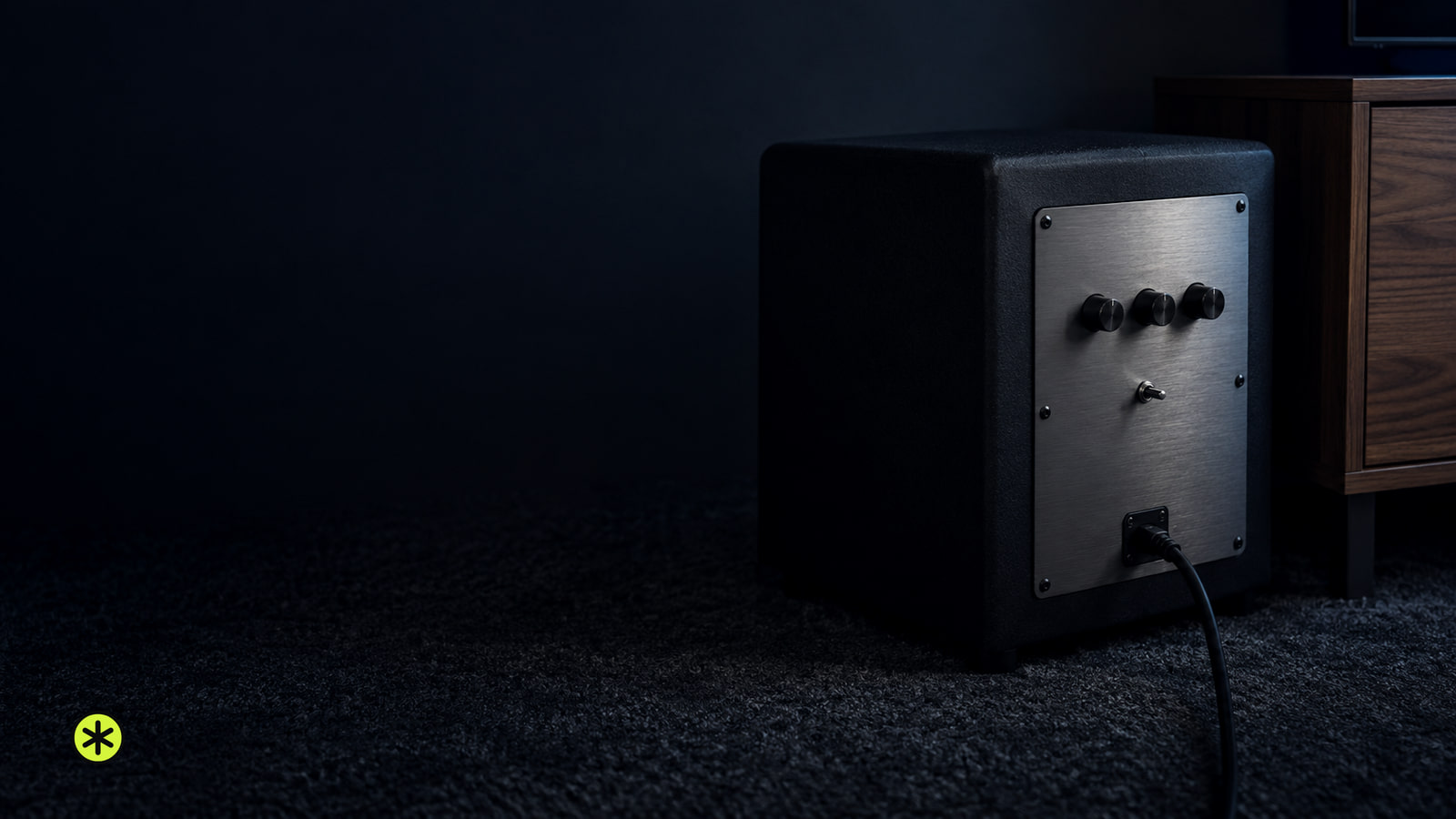
If voices are clear but familiar low notes lack weight at your usual volume, try a subwoofer. If the bar sounds full enough, skip it.
Headphones
Charge both earbuds, put them in pairing mode, and select them in Bluetooth settings. Play audio quietly to confirm sound reaches them.
Home Theater
Start subwoofer phase at 0°, then compare it with 180° from your seat while the main speakers play. Keep the setting with fuller, smoother bass.
Headphones
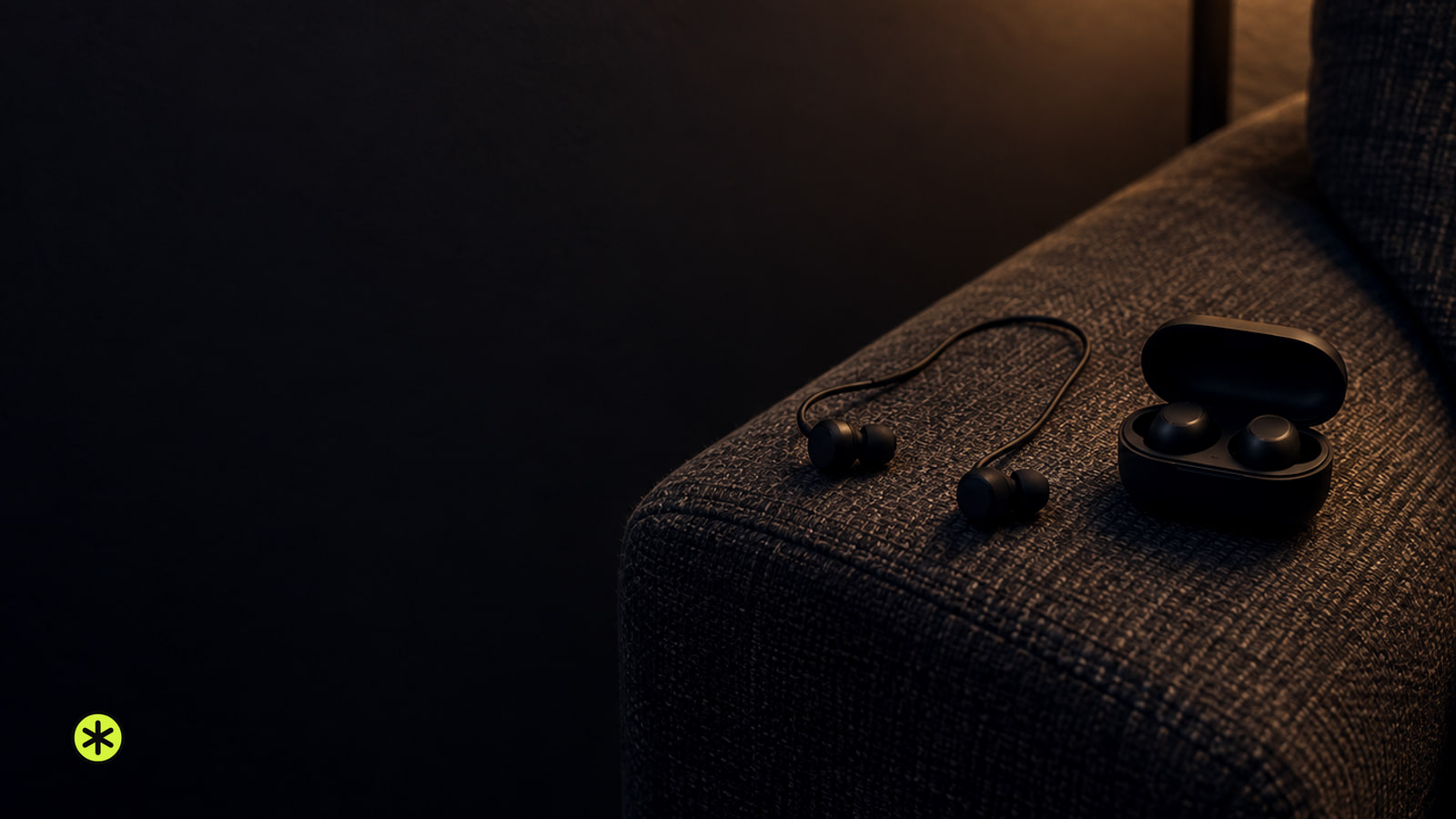
True wireless earbuds have separate buds and usually a charging case. Joined wireless earbuds keep both buds together and tend to play longer on one charge.
Speakers
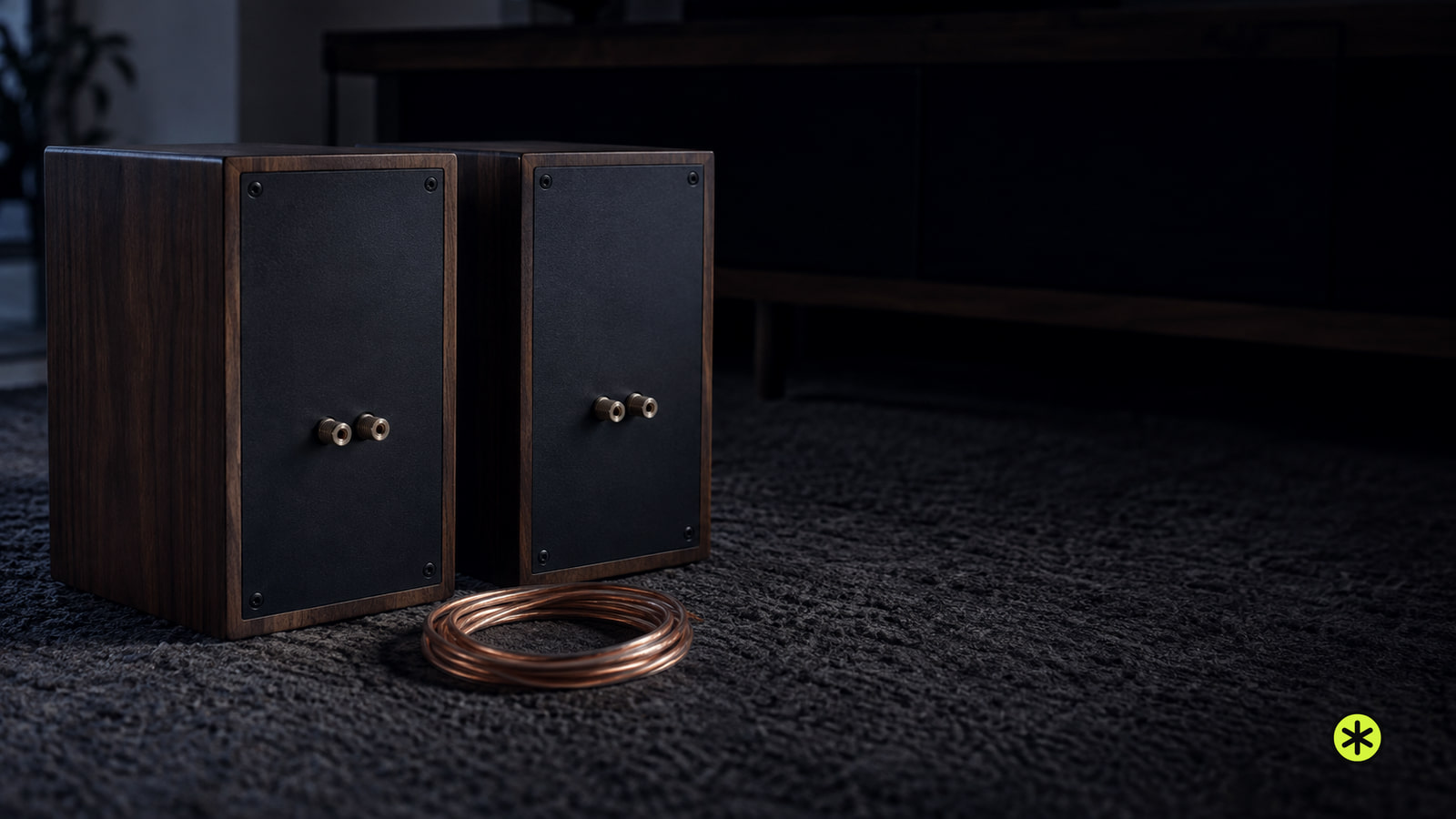
Use parallel wiring when the combined speaker load meets your amp’s minimum. If it falls below that limit, calculate a series connection before wiring.
Headphones
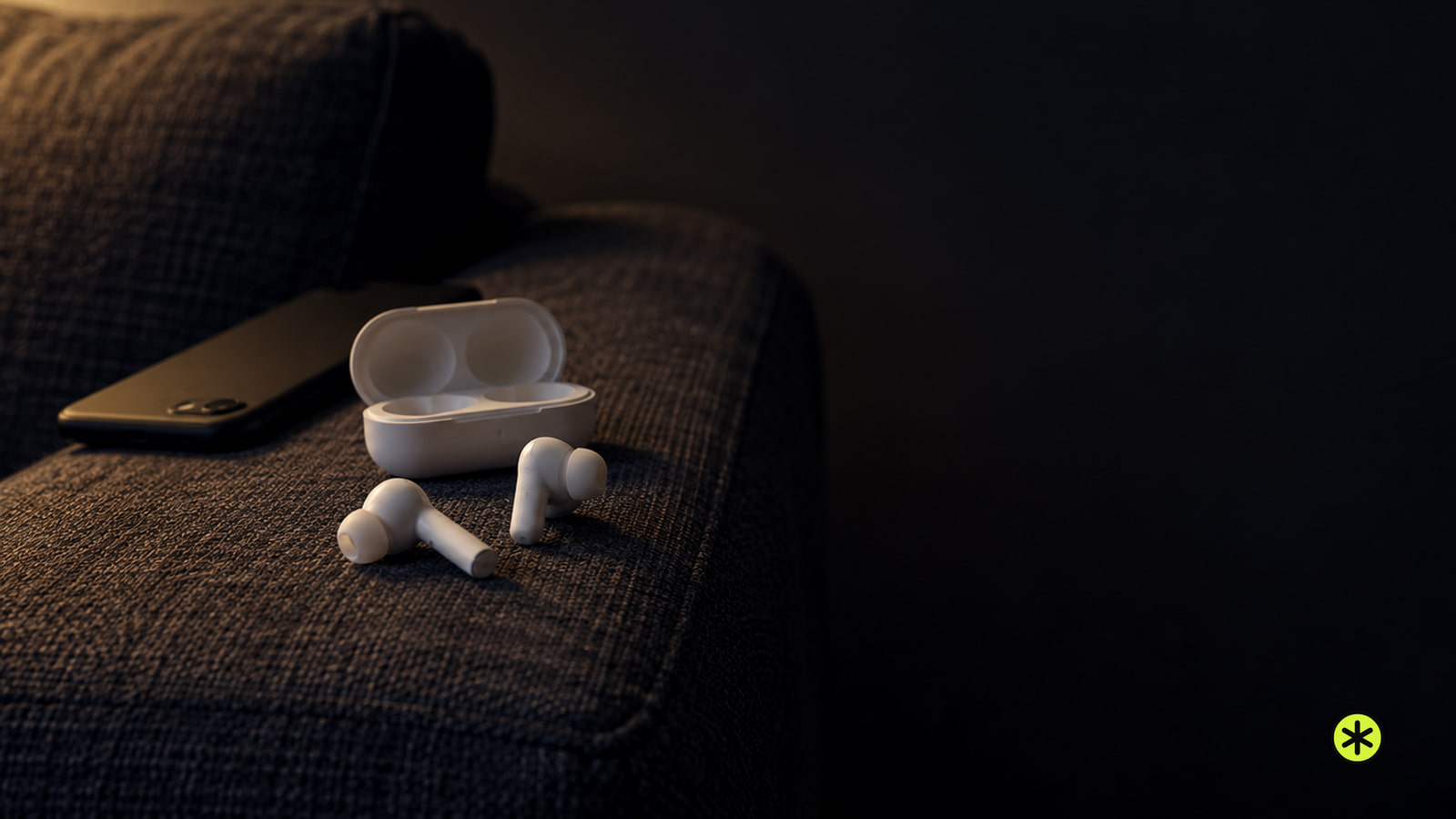
Charge your AirPods, pair them with your phone or computer, then play a track. If they connect but sound comes from a speaker, select them as the audio output.
Streaming and Connections
If your Roku keeps buffering, try another title and app, then test its connection. Weak Wi-Fi, slow internet and one failing service call for different fixes.
Speakers
Choose 4-ohm or 8-ohm speakers by the minimum load allowed for your amp’s exact output and wiring. Neither rating promises better sound.
Streaming and Connections
A Roku low power warning means too little power is reaching the player. Reseat its cable, then move from TV USB power to a wall outlet if needed.
Headphones
AirPods not showing up on Bluetooth? Find where pairing stops, use the right case gesture and try the next check for your device.
Streaming and Connections
Pair a Roku voice remote through Settings or after a restart, then hold its pairing button or Back and Home for about 5 seconds. Simple remotes don't pair.
TV and Soundbars
If TV audio misses the lips, compare TV speakers with your other audio output, then test another source before changing the delay.
Streaming and Connections
Dolby Atmos can appear to turn off when Windows changes outputs. Set it on the device playing sound, then check what changes after sleep or restart.
TV and Soundbars
TV has a dark screen or no picture? Check its menu, sound and built-in apps first, then narrow down the input, device or cable.