Choose a route for one speaker
- For a Bose speaker that already supports Bluetooth, put it in pairing mode and select it in your phone, tablet, or computer’s Bluetooth settings.
- On a SoundLink Flex Portable Speaker (2nd Gen), hold the Bluetooth button until the Bluetooth light slowly blinks blue.
- The Bose app is another way to add the Flex 2. A new Flex 2 needs its first power connection before either route.
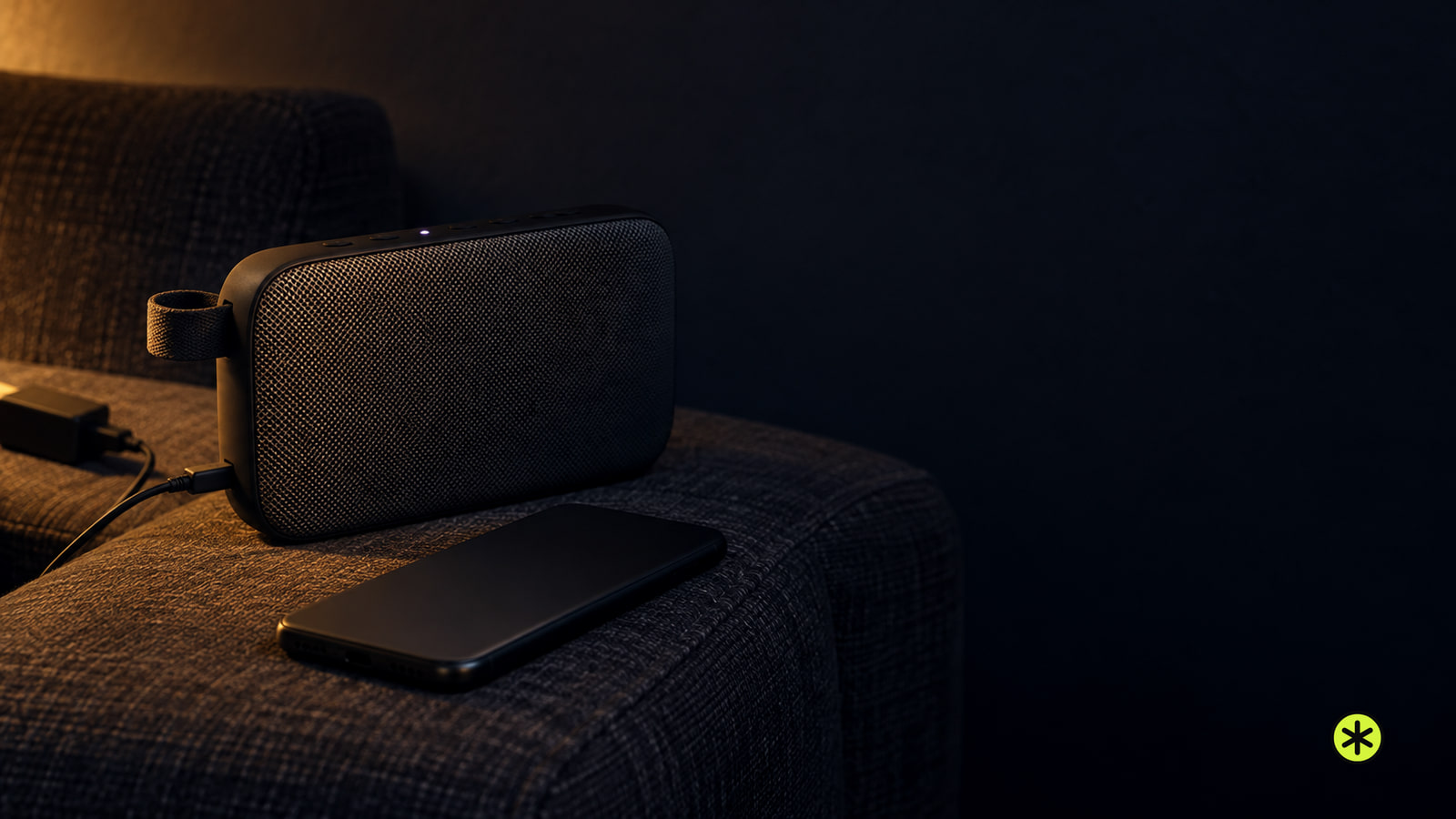
If you have one speaker and one device you want to hear through it, we’d start in your device’s Bluetooth settings. On the Flex 2, the blue pairing light and white connected light give you clear points to check as you go. The button and light instructions here apply to the SoundLink Flex Portable Speaker (2nd Gen).
Your phone, tablet, or computer needs to support Bluetooth connections. The speaker needs enough battery, too, since low charge can make pairing fail or let the connection drop. Check those two things before looking for the speaker’s name on your screen.
Bluetooth settings or the Bose app
The Flex 2 offers two connection routes covered here. You can select the speaker in the device’s Bluetooth settings, or add it through the Bose app. For the settings route, your device searches for the speaker after you put it in pairing mode.
| Route | What you do | What to check |
|---|---|---|
| Bluetooth settings | Put the speaker in pairing mode, then select its name in your device’s available-products list. | The speaker moves to the connected list and its Bluetooth light turns solid white. |
| Bose app | Download the app and follow its instructions to add the speaker, or add it from the product list if the app is already installed. | Play audio after setup to check that sound reaches the speaker. |
The app can also manage connections and speaker settings, but you can use Bluetooth settings for this first connection. That keeps the job focused on getting sound from one device to one speaker.
Get a new Flex 2 ready for power
A new Flex 2 ships partly charged, but its battery needs an initial power connection to activate before you use the speaker. You don’t have to wait for a full charge. Check that the speaker and its supplied USB-C to USB-A cable are present and undamaged before connecting them.
Set the speaker on a stable surface so it can’t move or fall as it plays. Keep it away from fire, candles, other heat sources, and excessive heat such as direct sunlight. Its small parts make it unsuitable for children under 3.
Use only accessories specified by Bose. For power, use the supplied USB cable or a similar USB cable with an agency-approved LPS supply that meets local requirements. Bose recommends a 5 V, 1.5 A capable source, and its charging instructions specify a minimum of 5 V, 1.5 A.
Make the first power connection
With the speaker and port dry, plug the cable’s USB-C end into the port on the side of the Flex 2. Connect the USB-A end to the suitable USB-A power supply. The Power light slowly pulses white, showing that the first power connection has been made.
Press the Power button on top of the speaker. The Power light should glow solid white and the Bluetooth light should slowly blink blue. That blue blink is the sign you need for the next move: open Bluetooth settings on the device you want to hear through the speaker.
Find the Flex 2 in Bluetooth settings
If the Flex 2’s Bluetooth light is already slowly blinking blue after power-on, go to your device’s Bluetooth settings. Otherwise, press and hold the Bluetooth button on top of the speaker until the light slowly blinks blue. That light lets you check the speaker side of the connection before searching on your phone, tablet, or computer.
- Open Bluetooth settings on your Bluetooth-capable phone, tablet, or computer. Keep the available-products screen open while it searches for the speaker.
- Select the speaker when it appears. Look for the name already assigned to it in the Bose app, or its default name if you haven’t named it.
- Check the connected-products list. The Flex 2 should appear there, with its Bluetooth light glowing solid white.
Those steps use the Flex 2’s controls and indicators. If you’re following along on that model and want a closer look at the same connection, our Bose speaker connection steps take you through it.
Add the Flex 2 in the Bose app
If you’d prefer to add the Flex 2 in the Bose app, make its first power connection before starting, just as you would for Bluetooth settings. Download the Bose app on your device and follow its instructions to add the speaker. If the app is already installed for another Bose product, add the Flex 2 from the product list screen.
The app route gives you setup and speaker controls in one place, including Bluetooth connection management and audio settings. For the first connection, follow the prompts for adding the speaker, then check playback from the device you want to listen to.
Check where the sound goes
If the Flex 2 doesn’t appear among available products, check its Bluetooth light first. Hold its Bluetooth button until the light slowly blinks blue, move your device closer, and look at the list again. Also check whether the speaker is already connected to another nearby device.
On a Flex 2, keep the device within 30 ft (9 m) and away from obstructions or interference while making the connection. If the speaker has no power, connect it to a suitable supply and press the Power button. A depleted battery can leave it in battery protection mode until you do that.
Once your device shows the speaker as connected and the Flex 2’s Bluetooth light is solid white, press play. If audio comes from your phone or computer instead, select the connected speaker as that device’s audio output and raise the volume on both the source and the speaker. Listen again to confirm the sound now comes from the Flex 2.
More in this category