Speakers
Why Are My Bluetooth Speakers Crackling?
Bluetooth speaker crackling can come from volume, distance, wireless clutter, dust or a damaged cone. Here's the order we'd check them in.
Editorial byline
Audio and home theater. TunedRoom covers audio connections, home theater setup and listening systems, with guides organized around the signal path.
24 stories on the bill
Speakers
Bluetooth speaker crackling can come from volume, distance, wireless clutter, dust or a damaged cone. Here's the order we'd check them in.
TV and Soundbars
TV no signal after lightning? Wait out the storm, then check the source, input, HDMI cable and port before deciding who should look at it.
TV and Soundbars
TV picture too big for the screen or off-center? Set the picture size first, then the position, then check the box or console feeding your TV.
TV and Soundbars
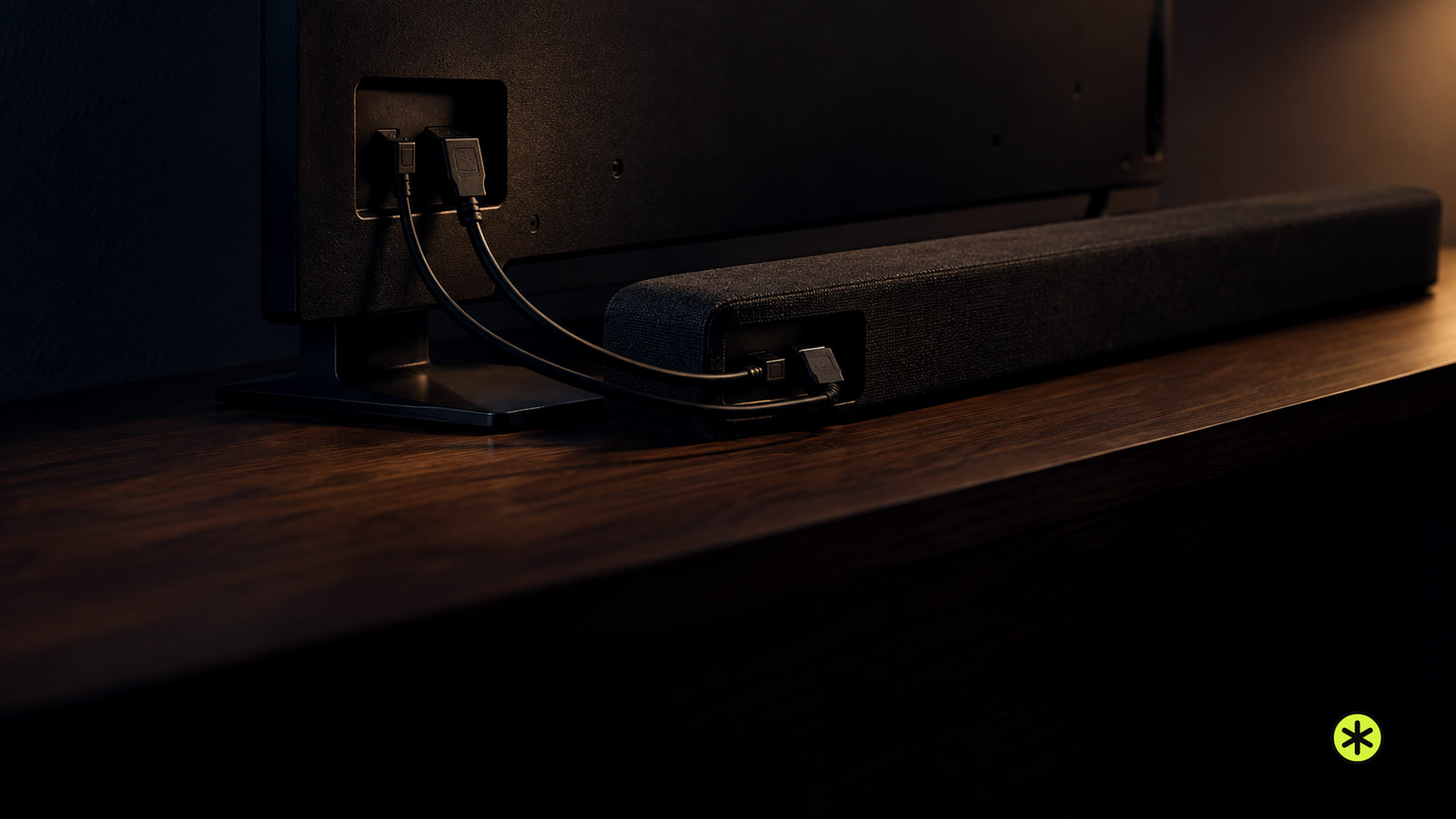
Soundbar audio out of sync with TV? Tell early sound from late sound or echo, then check the output, processing and sync control that fits.
Streaming and Connections
Seeing HDMI not supported? Check the selected input and source resolution, then compare the cable, TV port and another source.
Streaming and Connections
Projector has picture but no sound? Check volume and mute at both ends, the source's audio output, your cable and whether the projector has speakers.
TV and Soundbars
If your TV picture is too big for the screen, check its picture-size setting. A set-top box, laptop or AirPlay picture may need its own adjustment.
TV and Soundbars
Test the outlet with a lamp, then watch the TV’s power light. A dark, steady, or repeatedly blinking light points to a different next check.
Speakers
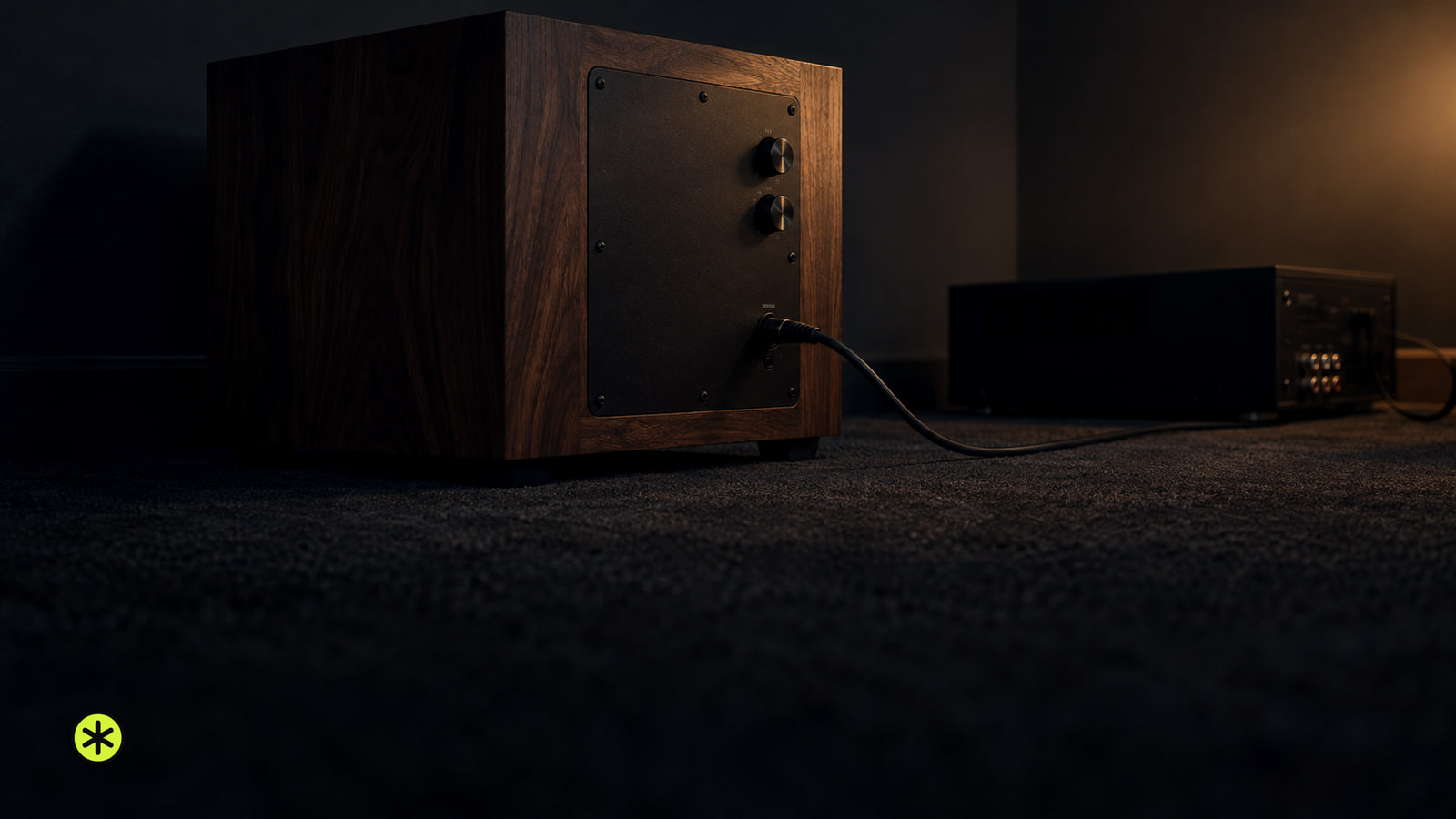
A woofer plays bass within a main speaker. A subwoofer adds the lowest bass when your speakers leave you wanting more depth or impact.
Speakers
Weigh each speaker, match it to a bracket, and verify the wall fixing before drilling. Lock it in place and take it down if anything moves.
Speakers
To match an amplifier to speakers, check the supported ohm load, compare continuous power at that load, then weigh sensitivity against your listening needs.
Headphones
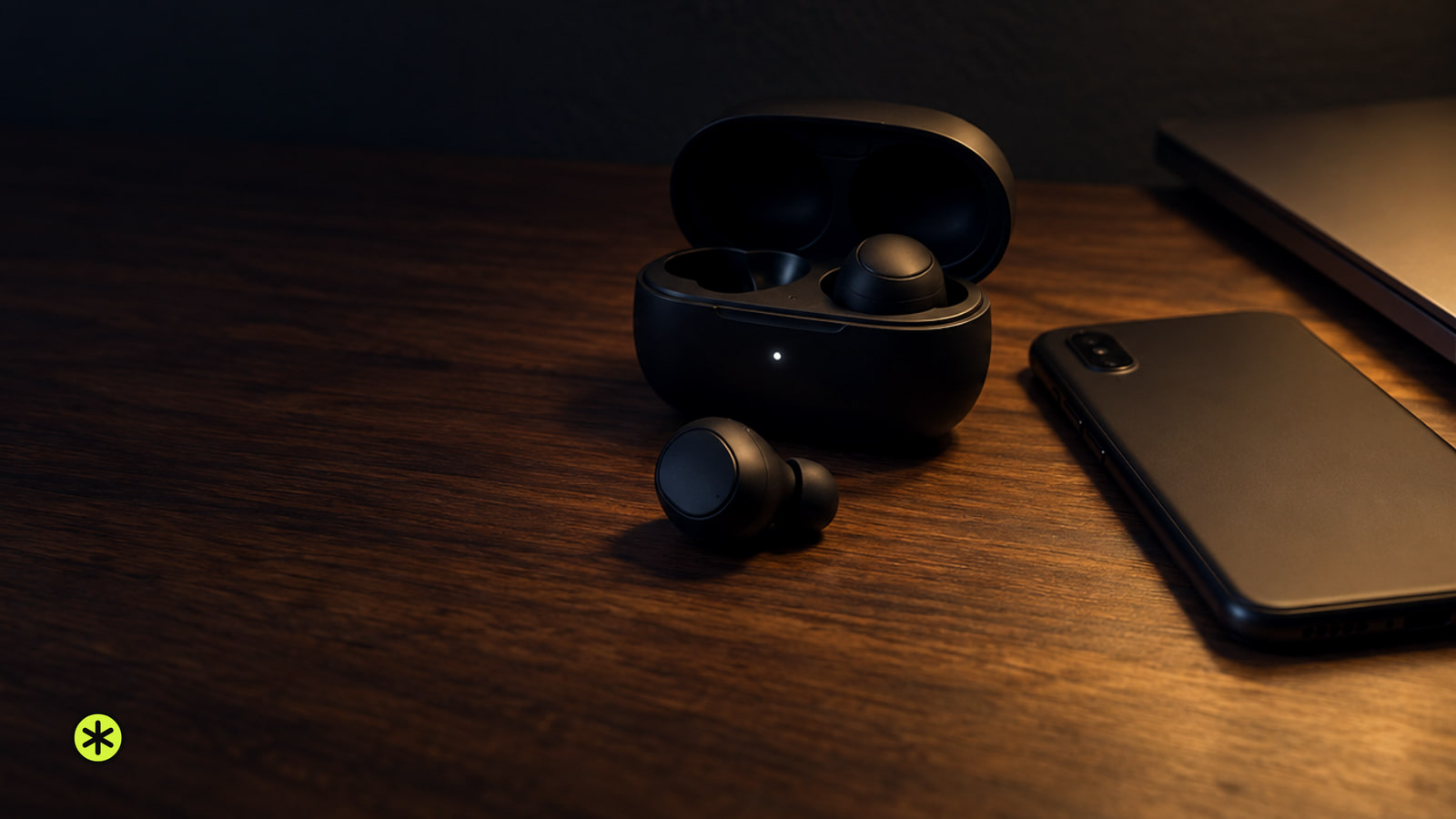
“Connection Failed” means your device found your AirPods but could not finish connecting. Charge both earbuds, reopen the case, then retry.
Headphones
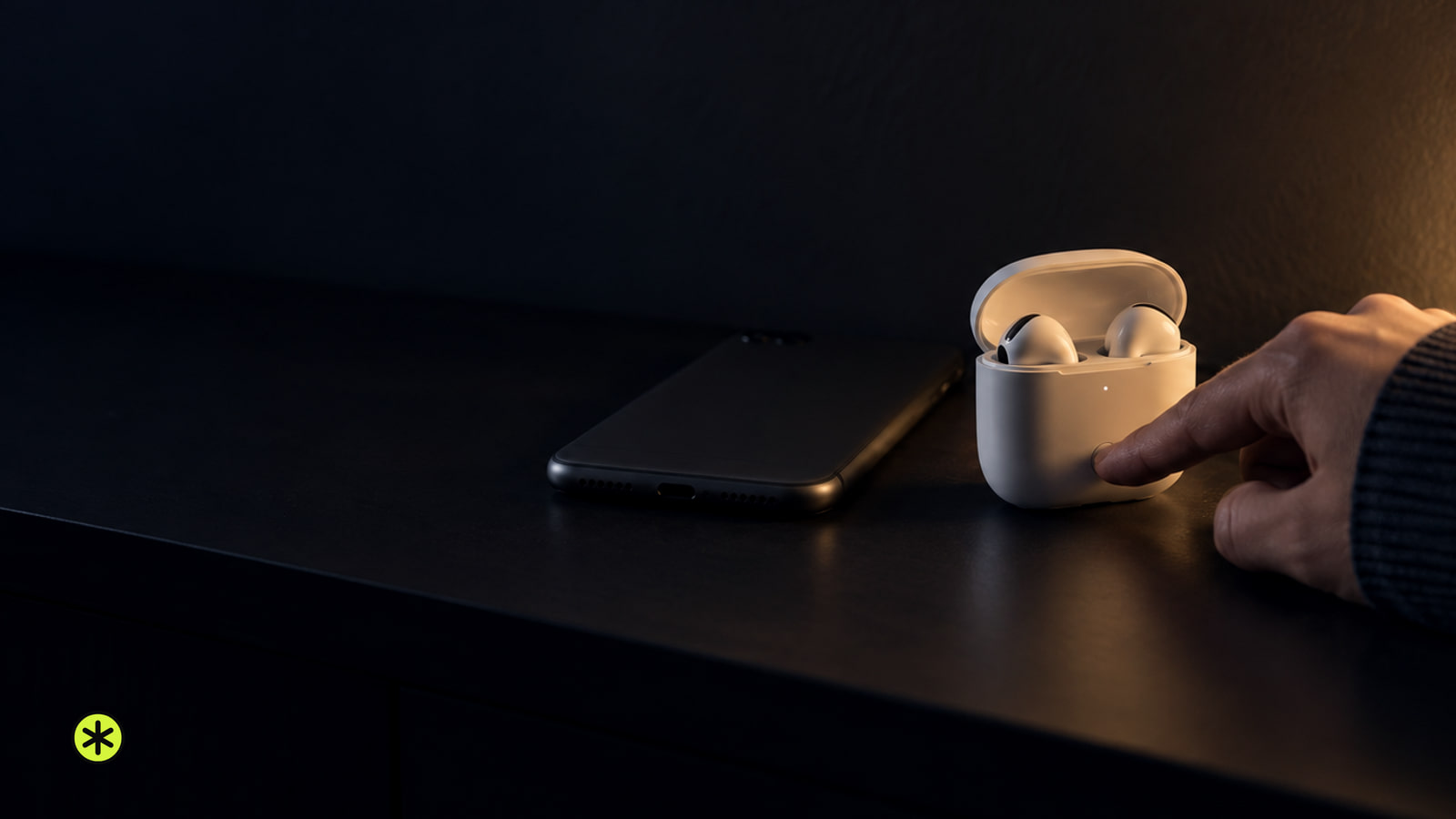
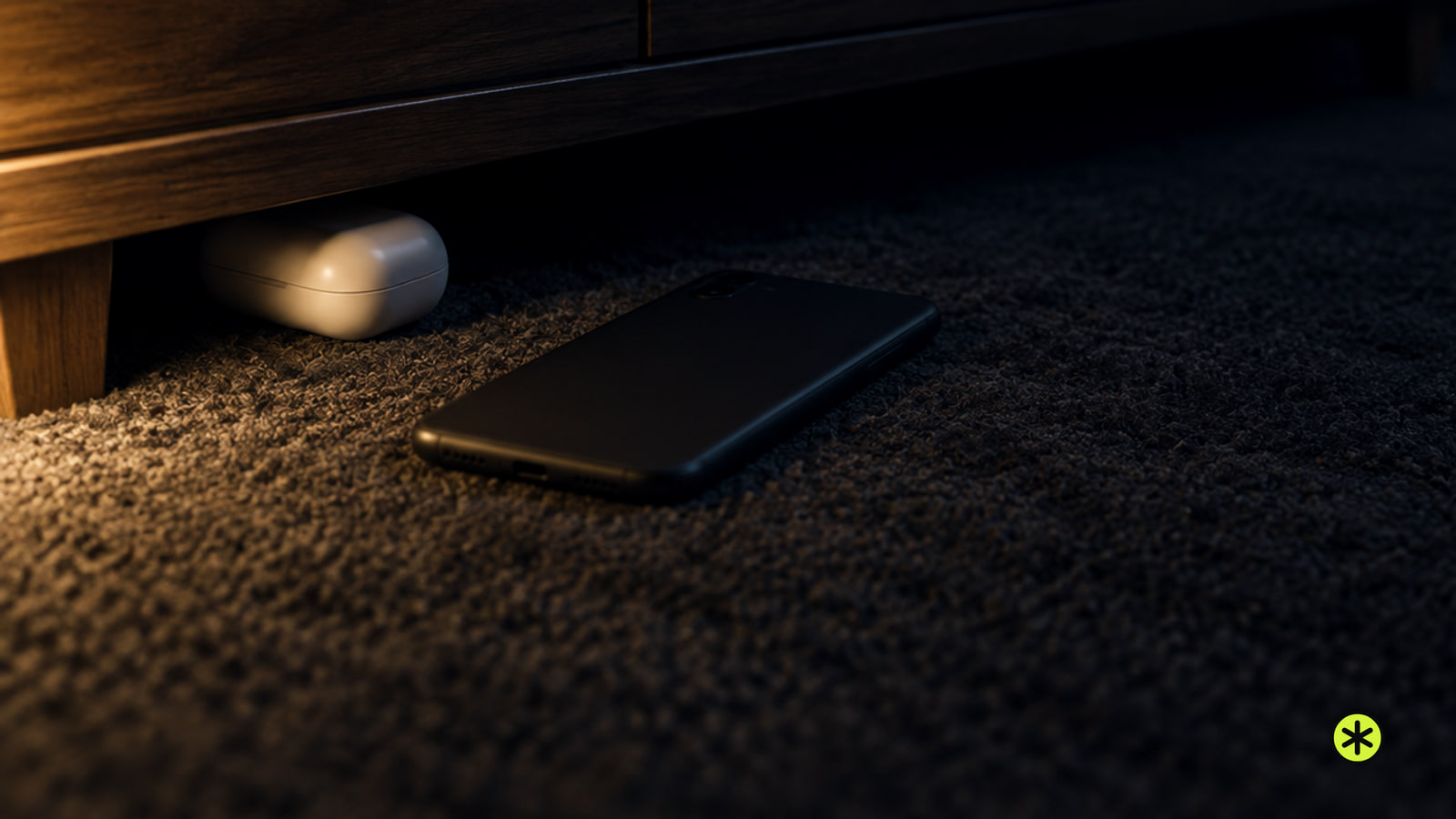
Start where you last handled the earbud case. If your finding app lists the case separately, check the location time, follow the map and ring it nearby.
Speakers
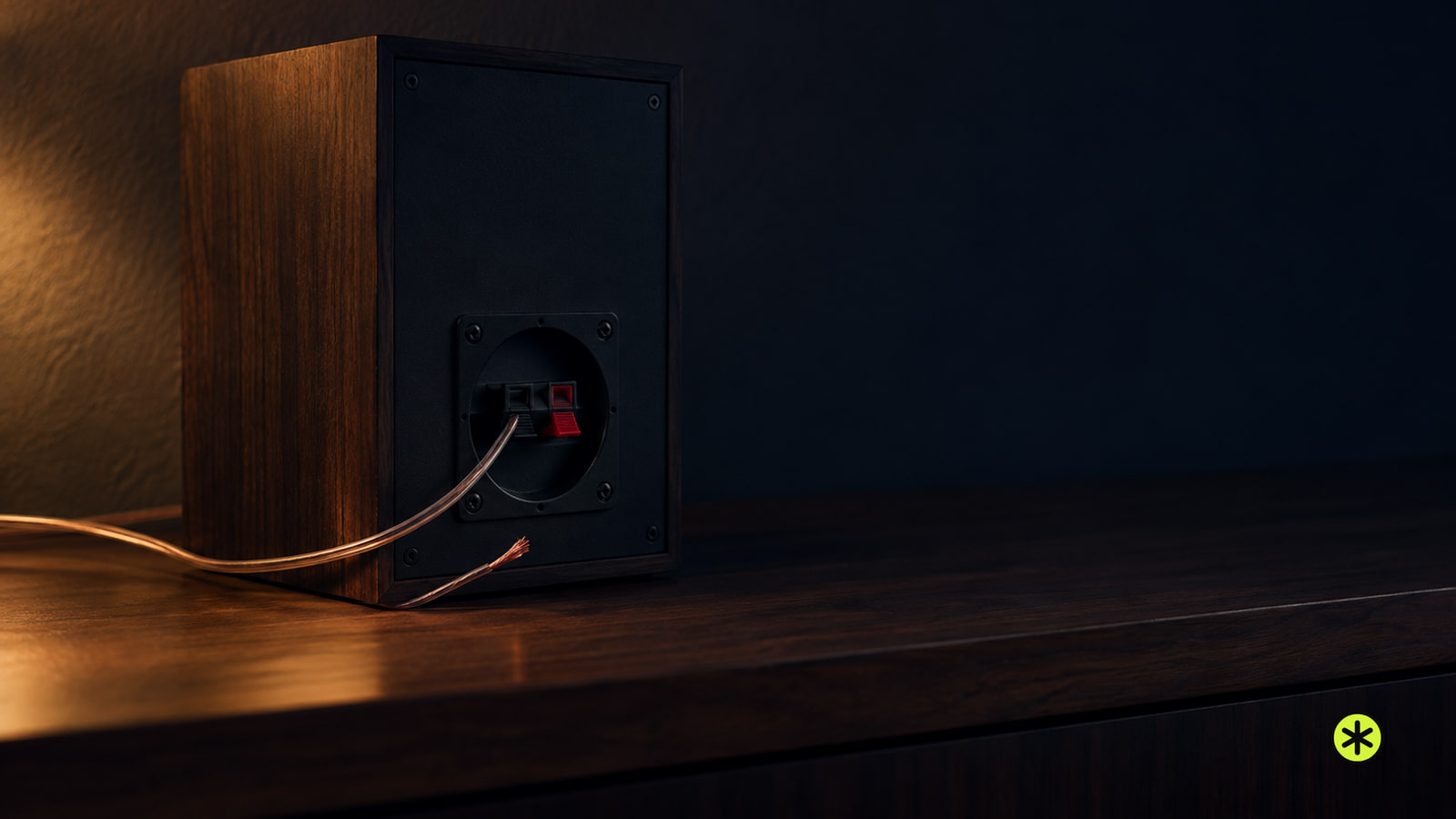
Hearing speaker static? Check both ends of the wire, nearby electronics and wire routing before comparing sources, wires and speakers.
Streaming and Connections
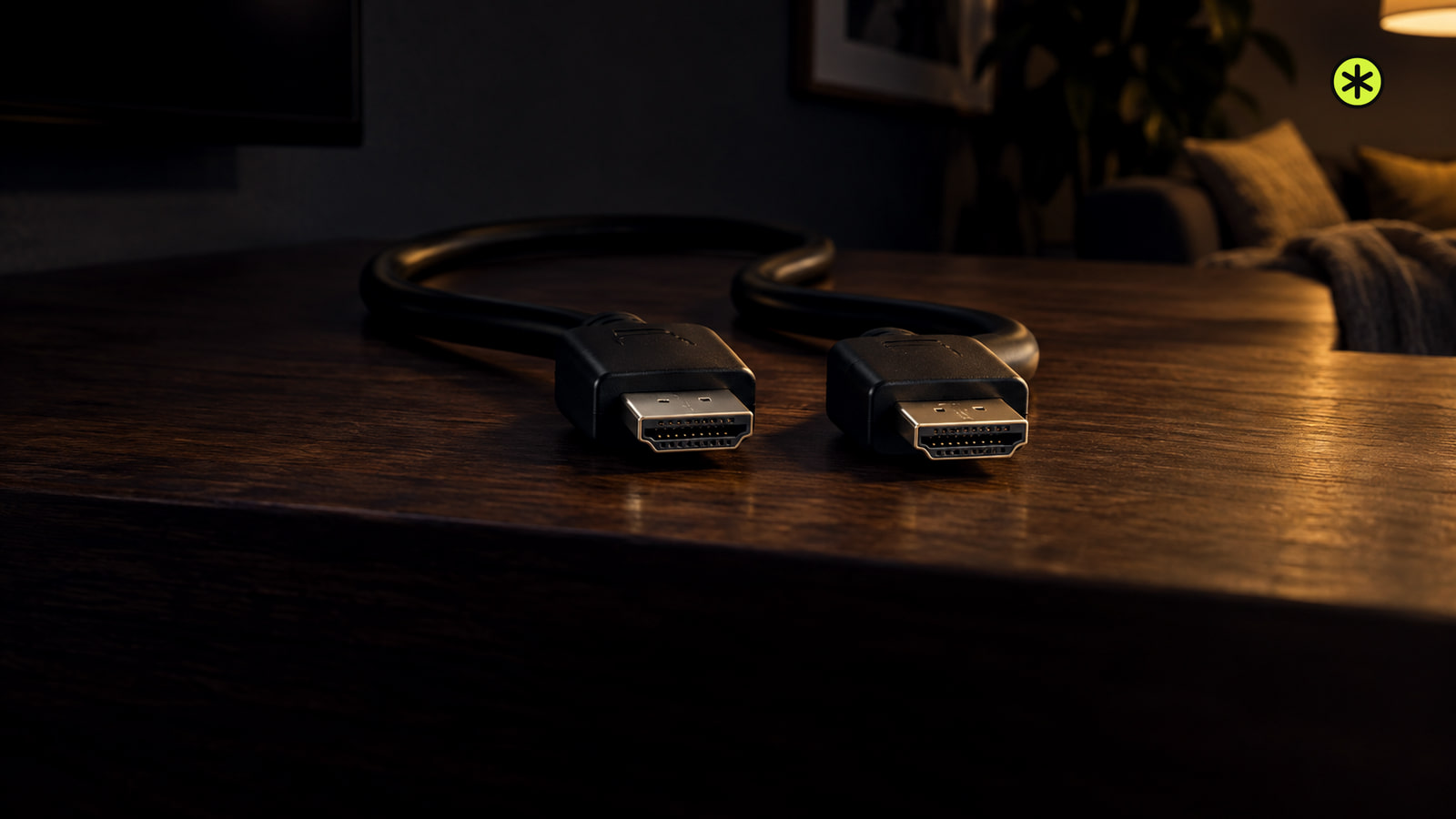
An HDMI cable “with Ethernet” can carry network data alongside picture and sound. Internet sharing works only when both devices and ports support HEC.
TV and Soundbars
If your TV picture is visible but dim, try picture settings first. If it's black, open the TV menu and compare another source; persistent dimming across both may need service.
Headphones
Pair earbuds through your TV’s Bluetooth audio menu. If it has no headphone audio option, use a headphone jack or a transmitter on an audio output.
Streaming and Connections
HDMI 1.4 carries picture and sound, including 4K at up to 30 Hz and 1080p at 120 Hz. ARC, 3D, and Ethernet depend on the devices.
Streaming and Connections
Plug the Chromecast into the projector’s HDMI input, power it, and select that input. Finish setup, then test a video and its sound.
Streaming and Connections
Netflix cast icon missing or your TV not showing up? Check your plan and target first, then follow the phone, Wi-Fi and app checks that fit.
Home Theater
Start your subwoofer crossover at 80 Hz for most home systems. Use the receiver’s speaker setting if it manages bass, then listen for an even blend.
Streaming and Connections
Use eARC for lossless surround, ARC for streaming Atmos your devices can pass and TV-remote control, or optical for stereo and compressed 5.1.
Speakers
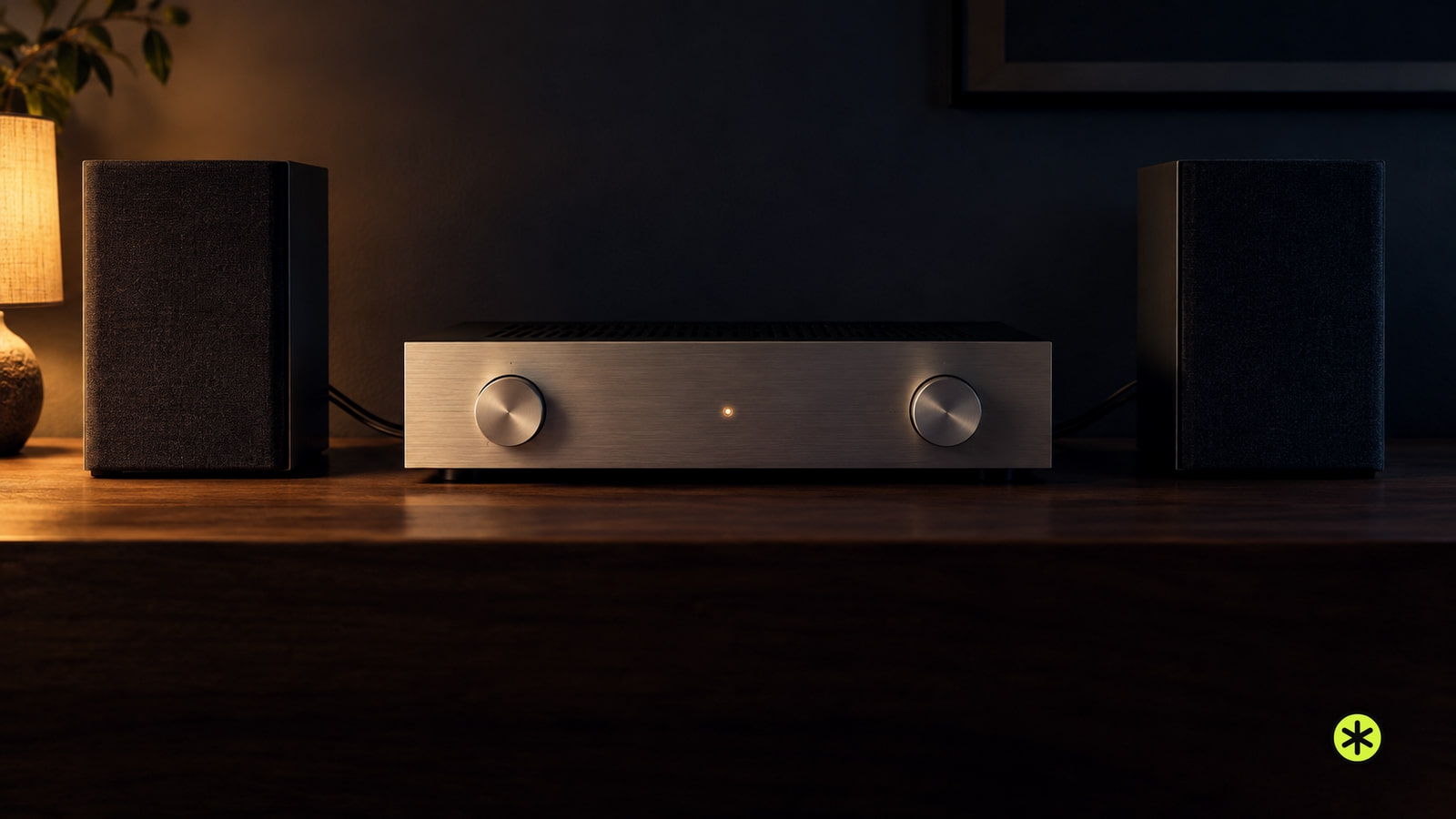
Stereo amplifiers power separate left and right passive speakers. Check your speakers and existing receiver before buying one.
Headphones
Bose earbuds controls start with Bluetooth pairing. Learn the 2024 QuietComfort Earbuds’ taps, listening modes and Bose QCE options.