Follow the sound through your setup
- With wired speakers connected to an audio device, turn the device off and check the speaker-wire connections at both ends first.
- Next, turn off nearby electronics that may interfere, move speaker wires away from electrical cords, and play a different source.
- If the noise remains, try replacement speaker wires, then a different set of speakers if you have one.
When a crackle turns up during playback, we'd begin with the connections you already have, because both ends of each speaker wire need to be properly connected. That check comes before changing wires or speakers. Listen after each change and keep track of when the noise remains or clears.
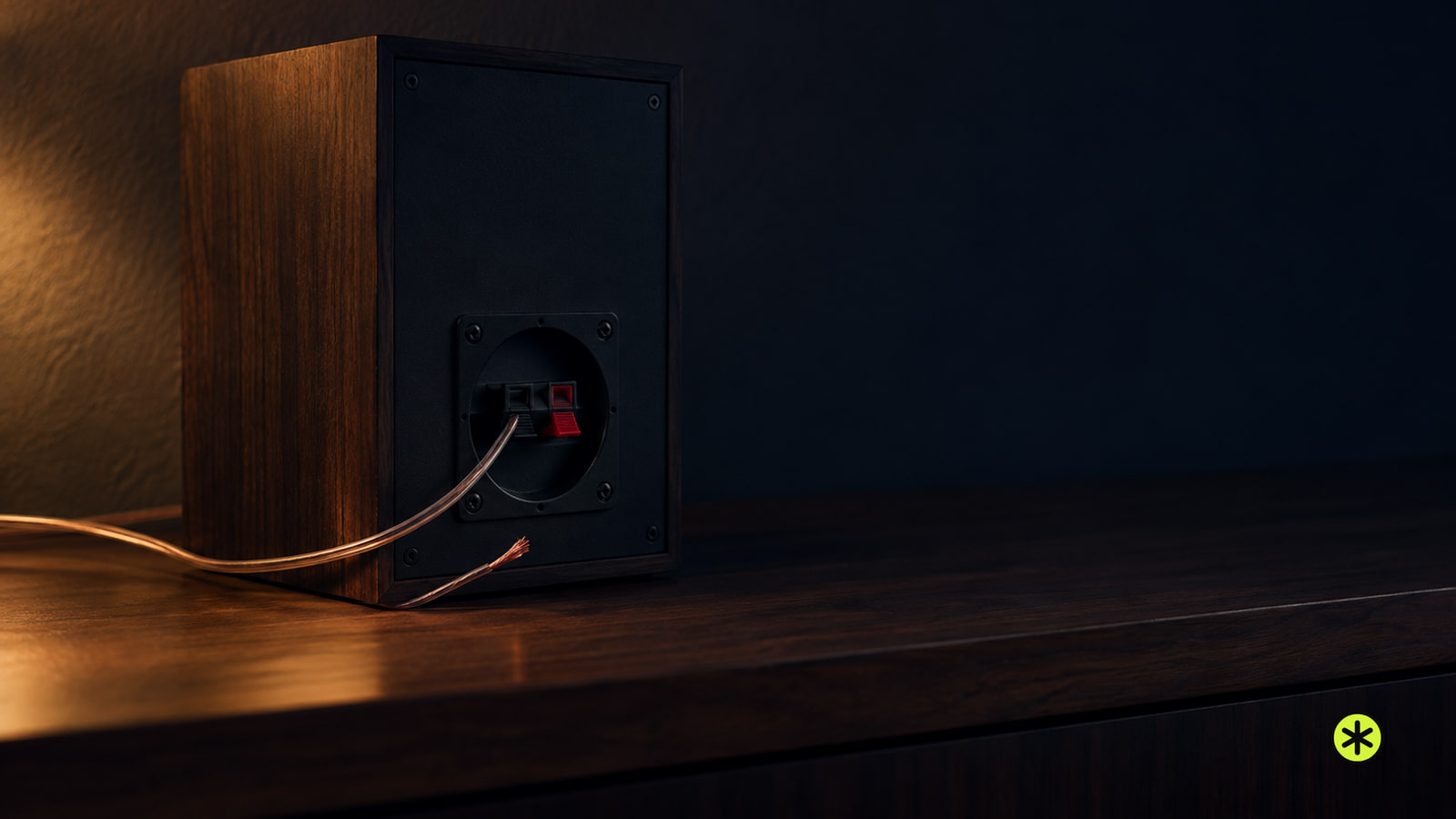
Where the noise could enter
The early checks cover three possibilities in a wired setup: a speaker-wire connection, a nearby electronic device that interferes with the sound, or speaker wires running beside electrical cords. Work through those checks in that order before changing the playback source.
Trying another source changes what plays through the audio device while you keep listening through the speakers. Replacement wires come later, followed by a different set of speakers if one is available. This order lets you compare what you hear at each stage before moving to the next part of the setup.
Check the wire at both ends
Turn off the audio device before you touch a speaker connection. Check each wire at the speaker and at the audio device, and secure any connection that isn't properly seated. Look at both ends even if you hear the noise from only one speaker.
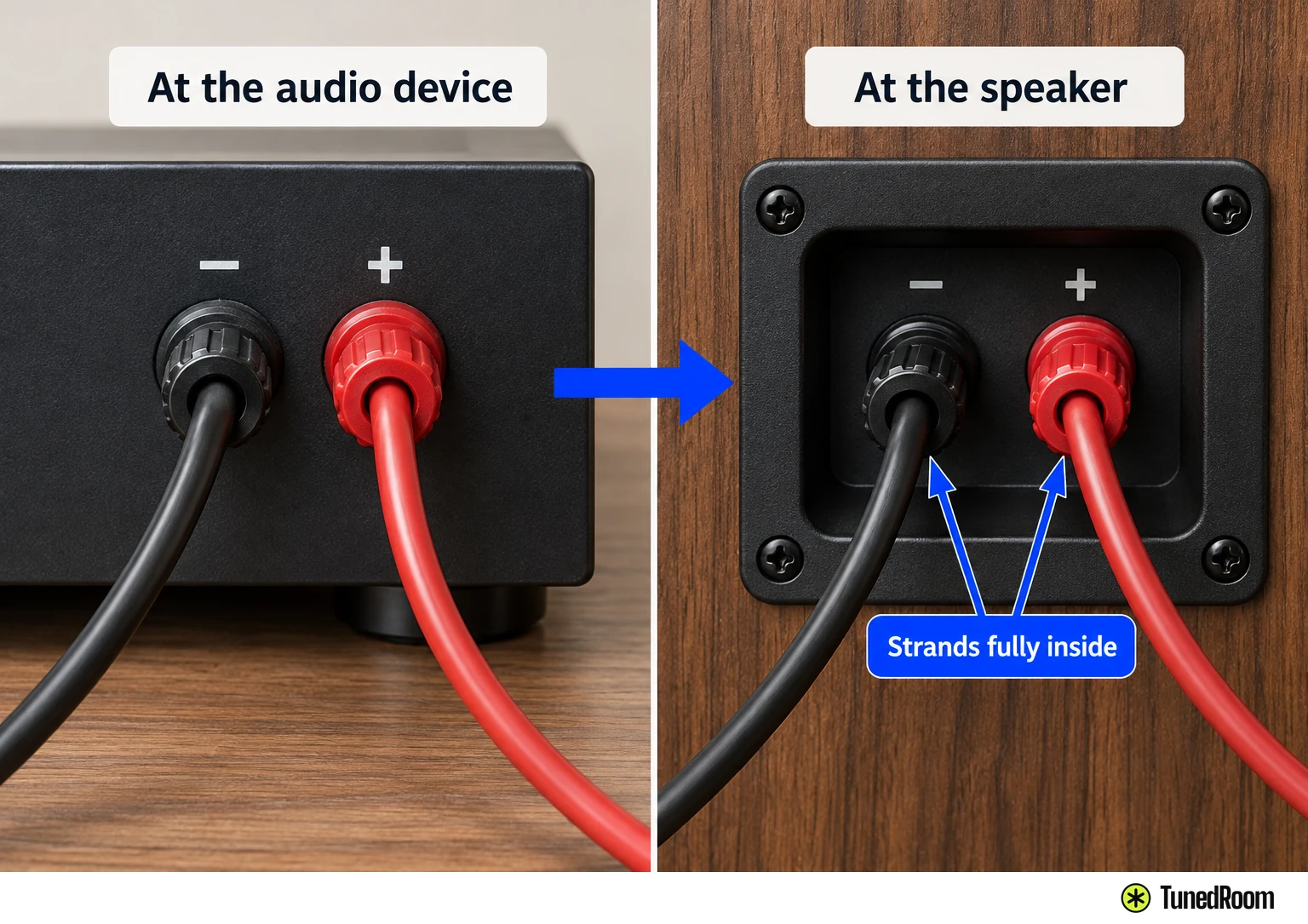
On a Denon AVR-S570BT, unplug the receiver before connecting speakers and turn off the subwoofer. Check that left and right go to their matching channels and that positive goes to positive and negative to negative. This receiver marks positive red and negative black.
Keep the Denon's wire cores inside the terminals, clear of the rear panel and clear of the opposite polarity. Contact can activate its protection circuit. Never touch its speaker terminals while the power cord is connected, since that can cause electric shock. The receiver's Setup Assistant is an exception with unpowered terminals while it runs; for this check, use the unplugged method.
On a Yamaha RX500A, disconnect the receiver and the speakers or subwoofer from the AC outlet before making connections. Join positive to positive and negative to negative; this receiver uses red for positive and black for negative. Keep cable strands from touching each other or any metal part of the receiver, including its rear panel and screws. An incorrect connection can short and damage the receiver or speakers. If you're making those connections, check the terminal layout (opens in a new tab).
Once the connections are secure, play through the same source and listen again. If the crackle is still there, leave the speaker connections in place for the next checks.
Listen with nearby electronics off
Turn off nearby electronic devices that may be interfering with the speaker sound. Play through the same source and speakers while those devices are off, then listen for a change.
If the noise clears, note which nearby device was off when that happened. If it continues, keep the speaker connections as they are and check the path the wires take.
Give the speaker wires a different route
Move the speaker wires away from electrical cords. Play through the same source and speakers again so the wire route is the change you're listening for.
If the sound clears, keep the wires away from those cords and listen through the source that made the noise noticeable. If the crackle remains, leave the wires clear of the cords and make the next comparison with a different playback source.
Compare another playback source
Play from a different source through the audio device and the same speakers. Listen for the static, then note which source was playing and whether the sound changed. Keep the speaker-wire connections as they were for this comparison.
If you still hear the noise, move on to replacement speaker wires. If the sound changed, keep track of what you heard with each source before changing another part of the setup.
See what changes with replacement wires
Turn off the audio device before changing speaker wires. Use the same power and connection precautions from the first wire check for your receiver. Connect the replacement wires properly at both the speakers and the audio device.
Play through the replacement wires and listen for the noise. If playback is clear, listen again with the source that first brought the static to your attention. If it still crackles, a different set of speakers gives you one more comparison, if you have one.
What a different set of speakers tells you
Turn off the audio device before connecting the different speakers, and follow the same power and connection precautions for your receiver. Keep the playback source and audio device in place for the comparison.
Play through the different speakers. If the noise is gone, the issue is with the original speakers. If the noise still occurs, the issue is with the audio device. Listen once more during playback to confirm which result you get.
More in this category