Choose by the sound and controls you need
- If both devices have eARC, pick it for uncompressed multichannel or high-bitrate audio. If they share ARC, it can carry Dolby Digital Plus Atmos on compatible equipment and may offer TV-remote control.
- Optical is a sound choice when ARC isn't shared, or when stereo or compatible compressed surround covers what you want to hear. An optical-only link won't carry HDMI power and volume control.
- Before choosing, check the ports and supported formats on both devices. For Atmos, check the program, source device and TV too.
Your TV may have an HDMI port and an optical output side by side, but the sound system has to support the same return path. We'd read the port labels on both devices first, because an ordinary HDMI input on the TV won't return sound to the speakers. Then we'd choose for the formats and controls you'll use, rather than expecting a different cable to change the sound of the same digital audio.
When both ARC and optical are available, ARC is the more useful starting choice if you want compatible Dolby Digital Plus Atmos or HDMI control through your TV remote. Optical still makes sense for stereo or supported compressed surround when those features aren't part of your setup. If the soundtrack calls for Dolby TrueHD Atmos or another documented high-bitrate eARC format, check for eARC support at both ends.
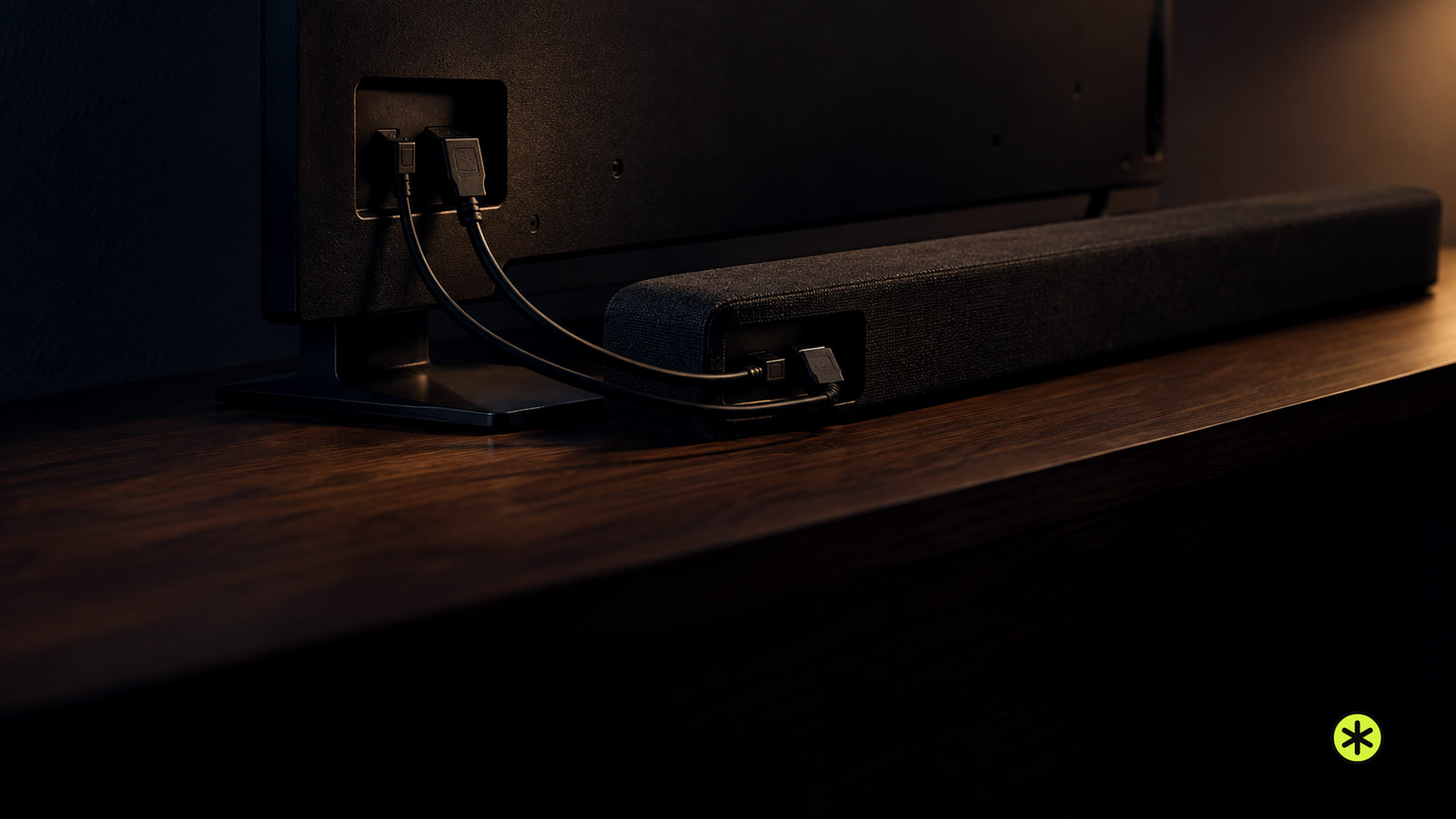
Follow the sound from source to speakers
A player connected to your TV sends audio and video toward the screen over HDMI. ARC and eARC cover the next hop, sending TV audio back to a soundbar or AV receiver over an HDMI link. That return path can carry sound originating with a TV service or arriving at the TV from another source.
Optical covers the TV-to-sound-system audio hop without carrying video. The distinction matters when you're reading format specifications: a claim about HDMI from a player to a TV doesn't automatically describe what the TV can send back through ARC. Check the format each device supports at its own place in the path.
For a built-in TV app, start with the program's available audio and the TV's audio-return capability. For a streaming box or disc player connected to the TV, include that source device and the TV's support for its output before considering the final link to the speakers. Some TVs can turn an incoming Atmos signal into Dolby Digital 5.1, so an eARC label at the last hop is only one part of the choice.
This is also why the connection decision can differ between two things you watch on the same setup. A stereo program fits optical's documented capability, while a high-bitrate soundtrack calls for checking the eARC path and the devices that feed it. Decide which source and soundtrack you care about, then follow that sound toward the speakers.
What optical, ARC and eARC offer
Compare these as ways to return audio from the TV to the sound system. The format column describes capabilities to check on your actual equipment, while the control column tells you what the link itself can contribute.
| Connection | Audio to check for | TV-remote control |
|---|---|---|
| Optical | Uncompressed stereo or compatible compressed surround, including Dolby Digital and DTS. It doesn't carry the uncompressed surround or newer Atmos formats described here. | An optical-only link carries no HDMI linked-power or TV-remote volume commands. |
| HDMI ARC | TV audio over HDMI. Compatible equipment can carry Dolby Digital Plus Atmos. | HDMI-CEC can let a TV remote manage the connected sound system when the devices support that control. |
| HDMI eARC | Uncompressed 5.1 or 7.1 and high-bitrate formats including Dolby TrueHD and DTS-HD Master Audio, when the devices support them. | Check the connected devices' HDMI control support for the commands you want. |
For a stereo sound system, optical's format range may cover the listening you actually do. ARC earns its place when you want compatible Dolby Digital Plus Atmos or HDMI control, while eARC addresses the higher-bitrate formats in the table. The connection only carries a format the rest of the path can supply and receive.
Check the ports at both ends
Look beside the TV's HDMI inputs for an ARC or eARC label, then check the sound system's specifications for the corresponding audio-return feature. On Sony Android TV and Google TV LCD sets, an HDMI input without that label won't provide ARC or eARC. For other models, use the labels and the specifications for your exact TV and audio system.
If you're considering optical, check that the TV and sound system both support an optical connection and that the sound system accepts the format you want to send. The same device-by-device check applies to eARC: both connected devices need eARC. Read their specifications for that feature and their supported audio formats; an HDMI version printed on a cable tells you less about the two devices than their own specifications do.
On Sony Android TV and Google TV LCD sets shown with an HT-CT660 soundbar, the listed choices include HDMI eARC/ARC, HDMI together with optical, and optical alone. That's a useful reminder to read your own TV and sound-system manuals for their ports and features. If those are your Sony products, the connection choices (opens in a new tab) provide a model-specific reference.
Treat the feature you need as a check at each end. An ARC label on the TV calls for ARC support on the sound system; an eARC goal calls for eARC support on both. If the shared connection is optical, match the TV's digital-audio capability to what the sound system can play.
Match Atmos to its audio format
Atmos over HDMI has more than one form. Compatible ARC equipment can play Atmos carried in Dolby Digital Plus. In Sonos home theater guidance, lossless Dolby TrueHD Atmos requires eARC, and a Sonos home theater speaker needs an HDMI ARC or eARC TV connection for any Atmos content.
The broader ARC format claims disagree. Cable Matters describes ARC as carrying uncompressed 5.1 and high-bitrate formats such as Dolby TrueHD and DTS-HD Master Audio. Sonos requires eARC for Dolby TrueHD Atmos, and HDMI Licensing Administrator lists uncompressed multichannel audio, Dolby TrueHD and DTS-HD Master Audio among eARC's capabilities. For one of those high-bitrate formats, we'd choose eARC on both devices and verify that the sound system supports the format.
Cable Matters also associates an HDMI 2.1 connection with eARC and uncompressed 7.1, while saying older HDMI 2.0 cables can carry uncompressed 5.1. Those version claims describe a different question from whether your TV and sound system actually share eARC. Check the devices' audio-return specifications before making the cable's version label your deciding factor.
Optical's documented range is narrower: uncompressed stereo or compatible compressed surround such as Dolby Digital and DTS. Cable Matters says optical lacks the bandwidth for the uncompressed surround and newer Atmos formats it discusses. If you want Atmos on a Sonos home theater speaker, that product's TV link must use ARC or eARC; if stereo or compatible compressed surround is your aim, optical remains a useful digital-audio option.
Decide how you'll control volume
HDMI-CEC can let your TV remote manage a connected audio system when the devices support it. If one remote for everyday listening matters to you, check the TV and sound system for that control feature along with their ARC capability. The commands you can use depend on the connected equipment.
An optical-only link carries audio without HDMI features such as linked power and TV-remote volume control. Some Sony TV and soundbar arrangements list HDMI together with optical as a separate choice, so check the options for your own equipment if you want optical audio and a separate control path. Choose the audio link for its formats, then check how you'll adjust volume from your listening seat.
If you're still choosing the speakers, matching speakers to your TV takes the port and volume-control decision further. Once you've chosen an optical link, the optical connection steps cover the separate hookup job.
Check the whole path before choosing
For Atmos from a streaming service, check whether your subscription tier includes it and whether the particular show or movie offers an Atmos soundtrack. A service's general support for Atmos doesn't mean every title has it. Then check the device playing the title; source devices can differ in Atmos support even within a product line.
Include the TV before you settle on the return link. Some TVs don't support Atmos from a connected source even when that source does, and may send Dolby Digital 5.1 onward instead. If you're planning a Sonos home theater setup, its Atmos compatibility checks (opens in a new tab) can help you compare the source and TV with the ARC or eARC connection it needs.
Make your final choice against the actual soundtrack: confirm the title or service offers the format, the player supports it, the TV can pass it onward, and the sound system can play it. With those answers and the port labels in hand, you can pick the return link that carries the sound you intend to hear.
More in this category