Pair the device you'll listen on, straight from the case
- Charge the case and earbuds first, because pairing needs enough charge in both.
- Pair the phone or tablet you'll actually play music from. Earbuds like TCL's MOVEAUDIO Neo can't connect to two devices at the same time.
- Open the case right beside that device, turn on its Bluetooth and pick the earbuds from the list.
- Check the volume after the earbuds are in and before you press play.
A fresh pair of earbuds has no screen and often no obvious pair button, so the first few minutes can feel like guesswork. We'd pick the one device you listen on most and pair that first, because on a model like the TCL MOVEAUDIO Neo the earbuds can't hold two connections at once and they go straight back to the last paired device whenever you take them out of the case.
True wireless earbuds are Bluetooth gear, and manual pairing follows one basic shape: open your device's Bluetooth settings, get the earbuds into pairing mode, then choose them from the list. How each model enters pairing mode is where they differ, so the lights, timings and taps further down belong to the TCL MOVEAUDIO Neo only.
What your phone and earbuds need to talk
Think of your phone as the source and the earbuds as the speakers, joined by Bluetooth. That's why Bluetooth earbuds are the natural pick for a phone with no headphone jack, and why the phone's Bluetooth switch has to be on before anything else happens.
MakeUseOf puts Bluetooth's range at about 32 feet and notes that every mobile device supports it. For the first pairing, though, keep the case right next to your device.
Manual pairing on many headphones means opening your device's Bluetooth settings, pressing a button on the headphones and, if asked, entering a passcode (usually 0000). Some models skip the button and go into pairing mode the moment you open the case, which is how the TCL MOVEAUDIO Neo behaves the first time.
The controls live on the earbuds themselves, as buttons or touch areas, and they aren't always easy to find by feel. Learn where yours are at home before you need them on the move.
Charge the case before anything else
On the TCL MOVEAUDIO Neo, the case is the earbuds' charger, and pairing needs enough charge in both the earbuds and the case, so start here.
- Plug the case into a computer or a compatible USB adapter with the USB Type-C cable from the box. The case light flashes orange while it charges, and any earbuds inside charge at the same time.
- Leave it until the light flashes green, which means the case is full. TCL puts a full case charge at roughly 2 hours, though it varies with how the battery has been used.
- Drop the earbuds into the case and close the lid. The case light flashes green for 3 seconds when they start charging.
Make sure the earbuds are clean and dry before they go in the case. Use and store them between 0 °C and 45 °C (32 °F and 113 °F), because outside that range they can be damaged and the battery life shortened.
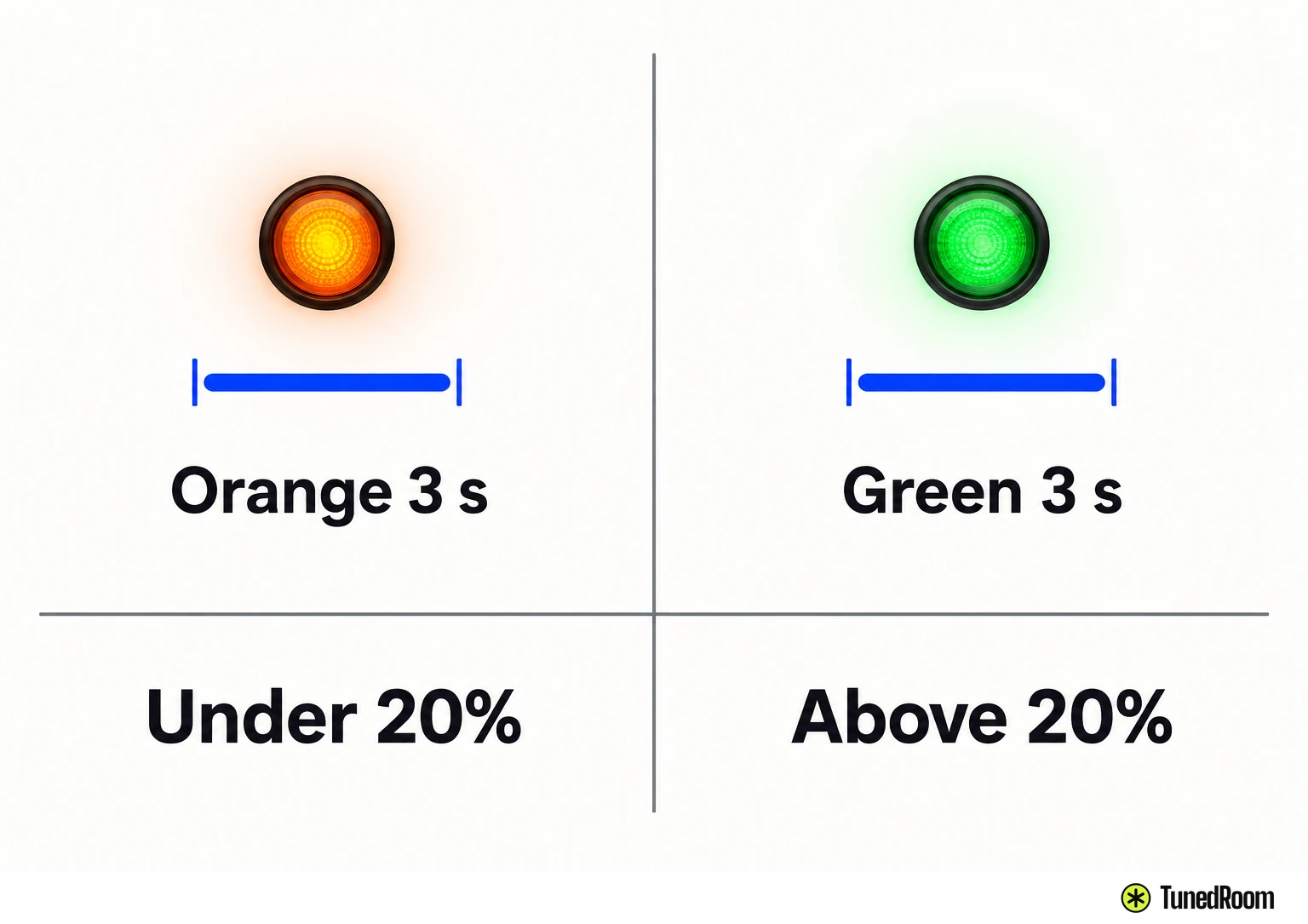
To check the case's charge later, open or close it and watch the light. Orange for 3 seconds means it's under 20%, and green for 3 seconds means it's above.
Wake the earbuds up the first time
A new MOVEAUDIO Neo needs a one-time activation before first use, and the whole thing happens in the case.
- Open the case and set both earbuds inside for at least 5 seconds.
- Watch for the earbud lights to blink blue, then close the lid. The lights go off.
- Open the case again. That completes activation.
If activation doesn't take, give the earbuds some more time on charge and run through the three steps again.
Pairing with your phone or tablet
Have the device you'll listen on unlocked and in your hand before you open the case. On a first pairing the earbuds enter pairing mode by themselves when the lid opens, and if pairing isn't finished within 3 minutes, pairing mode cancels and the earbuds turn off.
- Open the charging case, keep it right next to your device and place the earbuds inside.
- Check the earbud lights. They flash blue over and over while the earbuds are in pairing mode.
- Unlock your device and turn on its Bluetooth.
- Tap TCL MOVEAUDIO Neo in the list of available devices. The connection completes.
Stick to one device for now. The MOVEAUDIO Neo can't connect to multiple devices at the same time, so your phone and laptop can't share it at the same moment.
If you'd like every light and step on hand, download the MOVEAUDIO Neo manual (opens in a new tab) to your phone.
Putting them in and pressing play
Push each earbud into your ear, then twist it into the right position so it sits firmly.
Check the volume on your device once the earbuds are in and before any audio starts. Loud sound can cause permanent hearing loss, so avoid long stretches at high volume.
Double tap either earbud to play or pause.
If taps don't control your music in one app, that app may not support AVRCP, the Bluetooth remote-control profile. Try another app, and if the taps still do nothing there, reconnect the earbuds.
You can wear just one earbud. Keep the other in the case so it doesn't get lost or drain its battery.
What the lights and prompts mean
The case light reports charging and the earbud lights report pairing, so look at the case when it's plugged in and at the earbuds when the lid is open.
| What you see or hear | What it means |
|---|---|
| Case light flashing orange while plugged in | The case is charging |
| Case light flashing green while plugged in | The case is fully charged |
| Case light green for 3 seconds after you close the lid on the earbuds | The earbuds have started charging |
| Case light orange or green for 3 seconds when you open or close it | Case battery is under 20% (orange) or over 20% (green) |
| Earbud lights flashing blue in the open case | Activation or pairing mode, ready for the next step |
| Low-battery prompt in your ears | Earbuds are under 10%, so put them back in the case |
How long will a charge last?
MakeUseOf puts true wireless earbuds at around three to five hours, with the case topping them up between sessions. Louder listening shortens that.
Will these steps work on other earbuds?
The Bluetooth basics carry over, but the lights, timings and taps here are the MOVEAUDIO Neo's. For another model, check its own manual for how it enters pairing mode.
Every time after that
Once paired, the MOVEAUDIO Neo reconnects by itself to the last paired device when you take the earbuds out of the case. Both the earbuds and your device have to be on and within range for that to happen.
If they can't find that device, they slip into pairing mode shortly after. You can still connect by tapping TCL MOVEAUDIO Neo in your device's Bluetooth menu.
Between sessions, drop the earbuds back in the case so they charge, and glance at the case light now and then so the case itself doesn't run flat.
More in this category
Encore
True Wireless Earbuds vs Wireless Earbuds and the Cord Question
How to Pair Your Roku Remote and What to Check First
Why Do My Bluetooth Headphones Keep Disconnecting?
- Why Do My Headphones Sound Muffled?
- Bose QuietComfort 2nd Gen Review, the Cable Finally Beats the Radio
- Why Are My Headphones Crackling?
- How Long Does It Take for Beats to Charge?
- AirPods Will Not Show Up on Bluetooth? Fixes to Try
- What Do You Do When Your HDMI Says No Signal?
- iPhone Speaker Crackling? What to Try First