How to Connect Bluetooth Headphones to a Roku TV
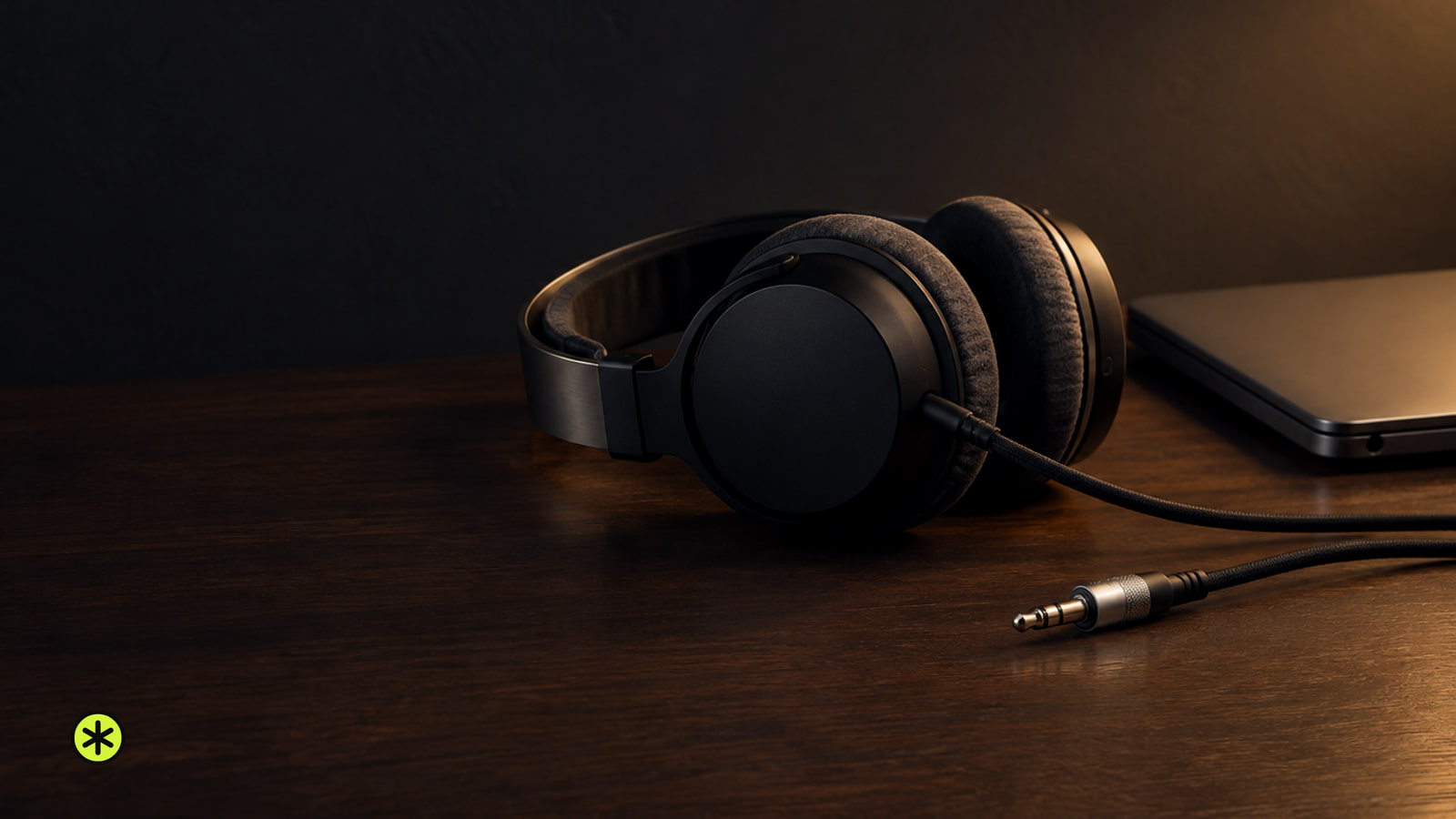
Pair Bluetooth headphones in your Roku TV's Wireless headphones menu, or connect them to your phone and use the free Roku app's Headphone Mode.
TunedRoom
New guides, news and deals, in publication order.
Pair Bluetooth headphones in your Roku TV's Wireless headphones menu, or connect them to your phone and use the free Roku app's Headphone Mode.
Connect your Mac to the Nebula’s HDMI input, or use wireless mirroring through a projector-side AirPlay receiver. The Mac desktop confirms it worked.
Restart a stuck Sonos speaker to keep its setup. Factory reset it for a new owner or when the app asks during setup; flashing green means it’s ready.
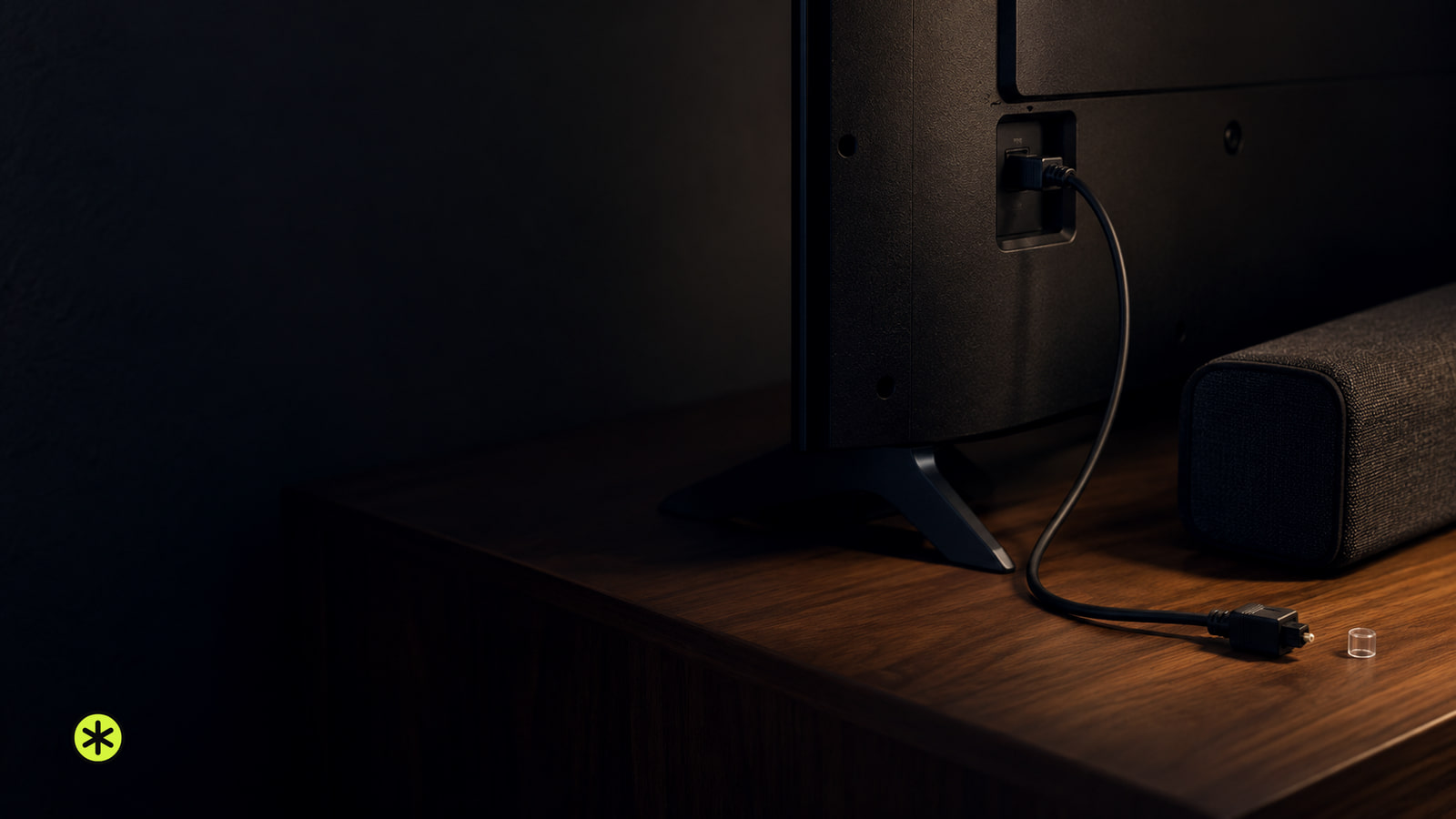
Connect an optical digital audio cable from your TV's output to your audio device's input, choose the right settings, and check what to do if there's no sound.
LG Display announced a 24.5-inch 720Hz Gaming OLED panel, which it says is the first OLED built for esports. Asus uses it first in the ROG Swift OLED PG259QWS Ace.
Improve your TV sound by comparing sources first, then trying a dialogue setting for muffled voices or night mode for loudness swings.
Low volume or no sound from home theater speakers? Check the source, speaker output and connections on a receiver or soundbar before arranging service.
Bose put lossless USB-C audio and TrueSpatial in a $359 pair of headphones and left the Bluetooth stuck on AAC. After a week of listening, the wire is the better signal path, and that changes what these are for.
1MORE launched the S20 Ultra open-ear clip earbuds worldwide at a $79.99 suggested retail price, with LDAC audio, Bluetooth 6.0 and up to 40 hours total playback.
Headphones crackling? Compare recordings, volume and devices, then follow the wired, Bluetooth or playback check that matches what you hear.
A brief blink can be normal. If your TCL TV light keeps blinking and Home never appears, test the power connection, then follow the screen symptom.
Wake the source, select the matching HDMI input, and reseat the cable. If there’s still no picture, try a known-working cable and a direct connection.
Set the speakers roughly as far apart as each is from your seated ears, then adjust the gap until a voice stays centered and the sound has width.
Plug in your Sonos Play:3, use the app that controls your system, and follow setup until its room appears and plays.
Match a computer audio output to a soundbar input, connect or pair them, then select the bar in your sound settings and play a test clip.
If your Epson projector won’t turn on, test the outlet and cord, then read its lights. A warning that returns after the applicable owner checks, including a permitted lamp replacement, needs service.
If HDMI shows a picture but plays no sound, check the selected speakers and audio format first. Then compare the cable, TV port, and source.
Test the TV’s outlet with a lamp, plug it directly into a working wall outlet, and press its own Power button. Then follow its light and sound.
Turn on your device, match its TV port to the input, then follow the screen: No Signal, a missing input, and an unresponsive remote need different fixes.
Brush loose dust before play. Wet-clean fingerprints or stuck-on dirt, remove the dirty fluid, and let the record dry completely before sleeving it.
Spotify has added all 58 Taylor Swift official music videos, the first time the full catalog is on the service. Premium users can switch between video and audio.
Spotify says its new mobile switch excludes children's and family listening from recommendations and Wrapped, including past streams.
Connect a mic to a powered speaker’s MIC input, or use a preamp or receiver for LINE or AUX. Start at low volume and listen for clear speech.
Get center channel speaker placement right with a spot close to the screen, a flush furniture edge and an angle aimed at your seated ears.