Sonos Subwoofer Placement
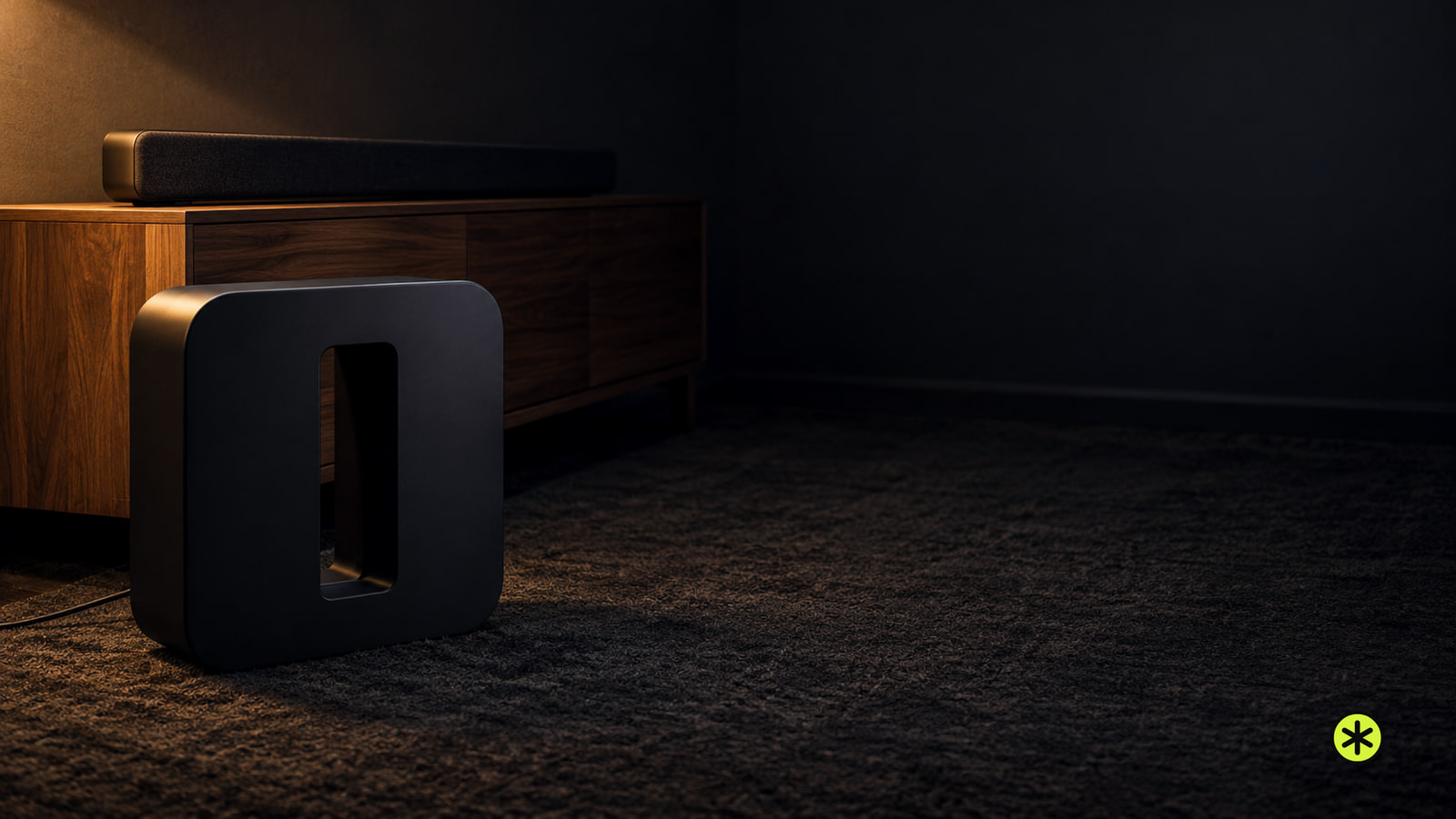
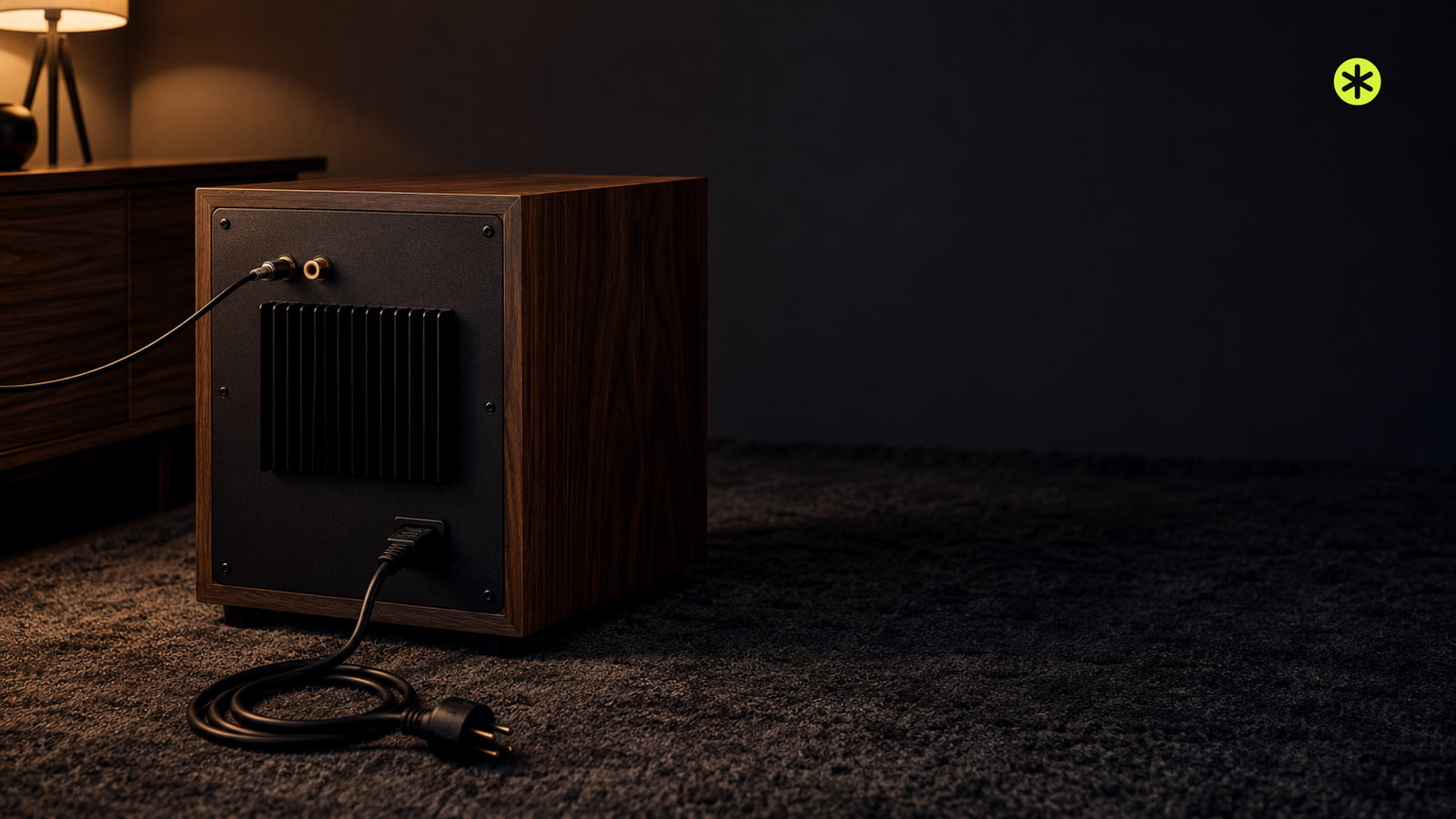
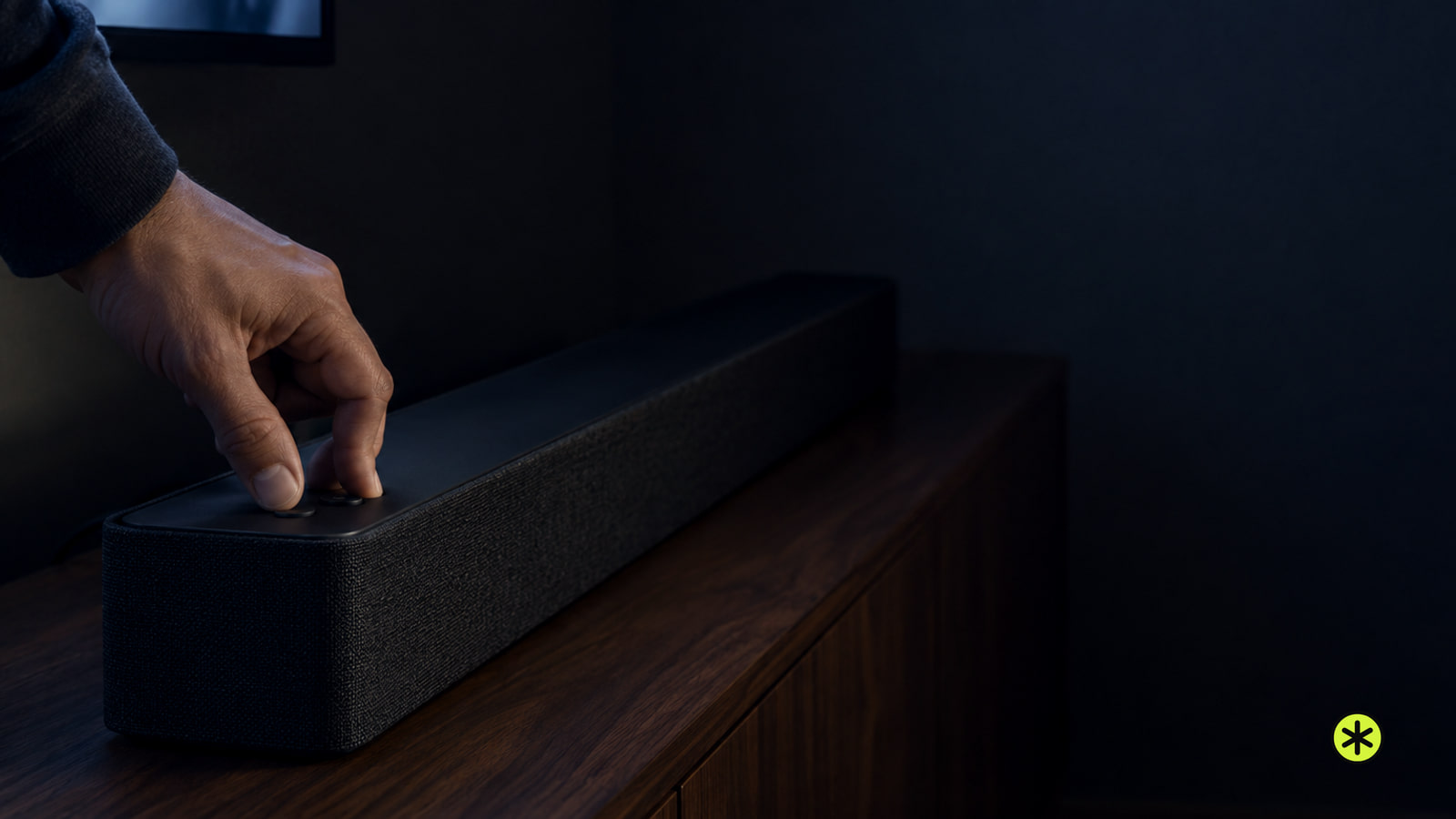
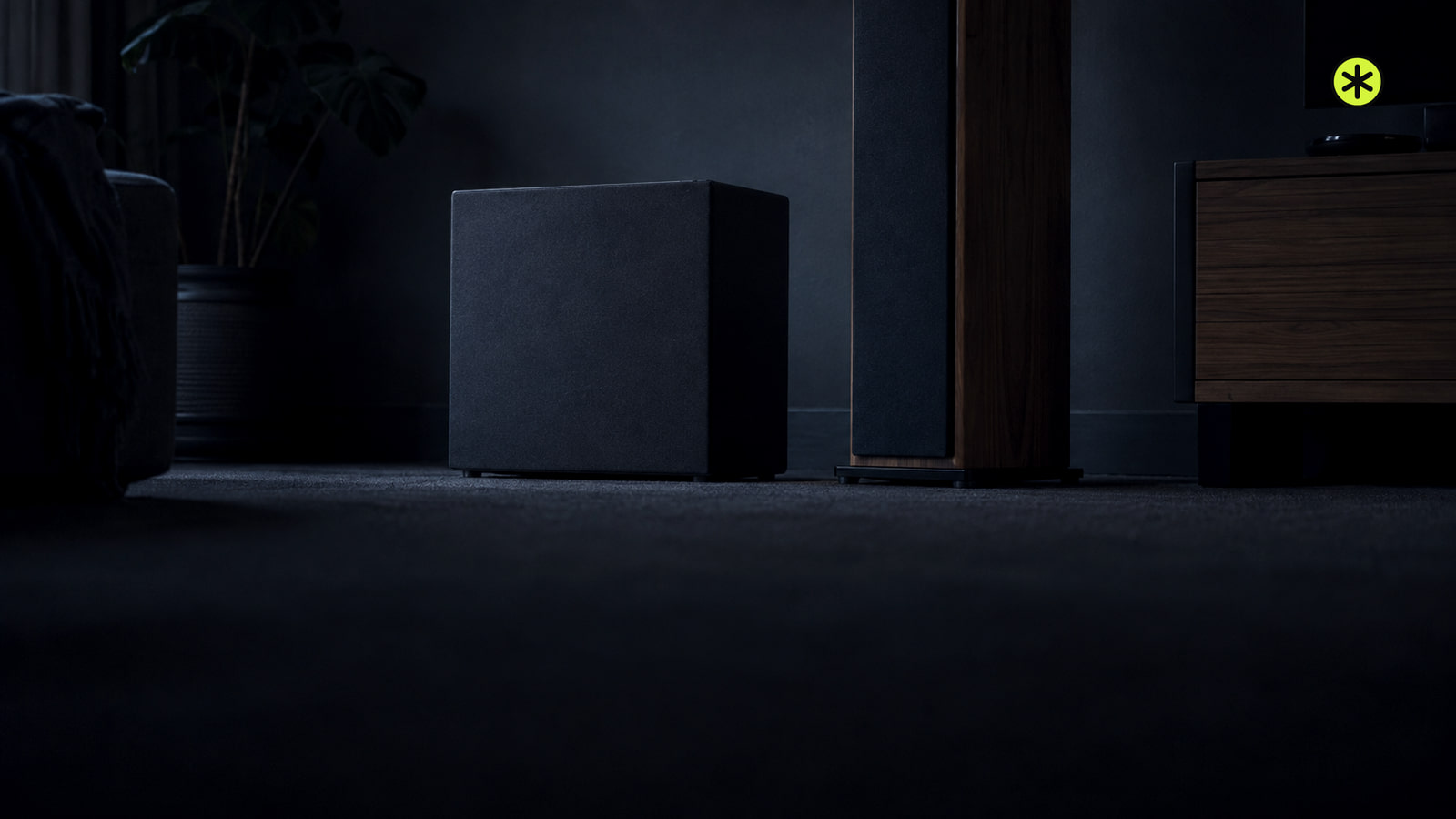
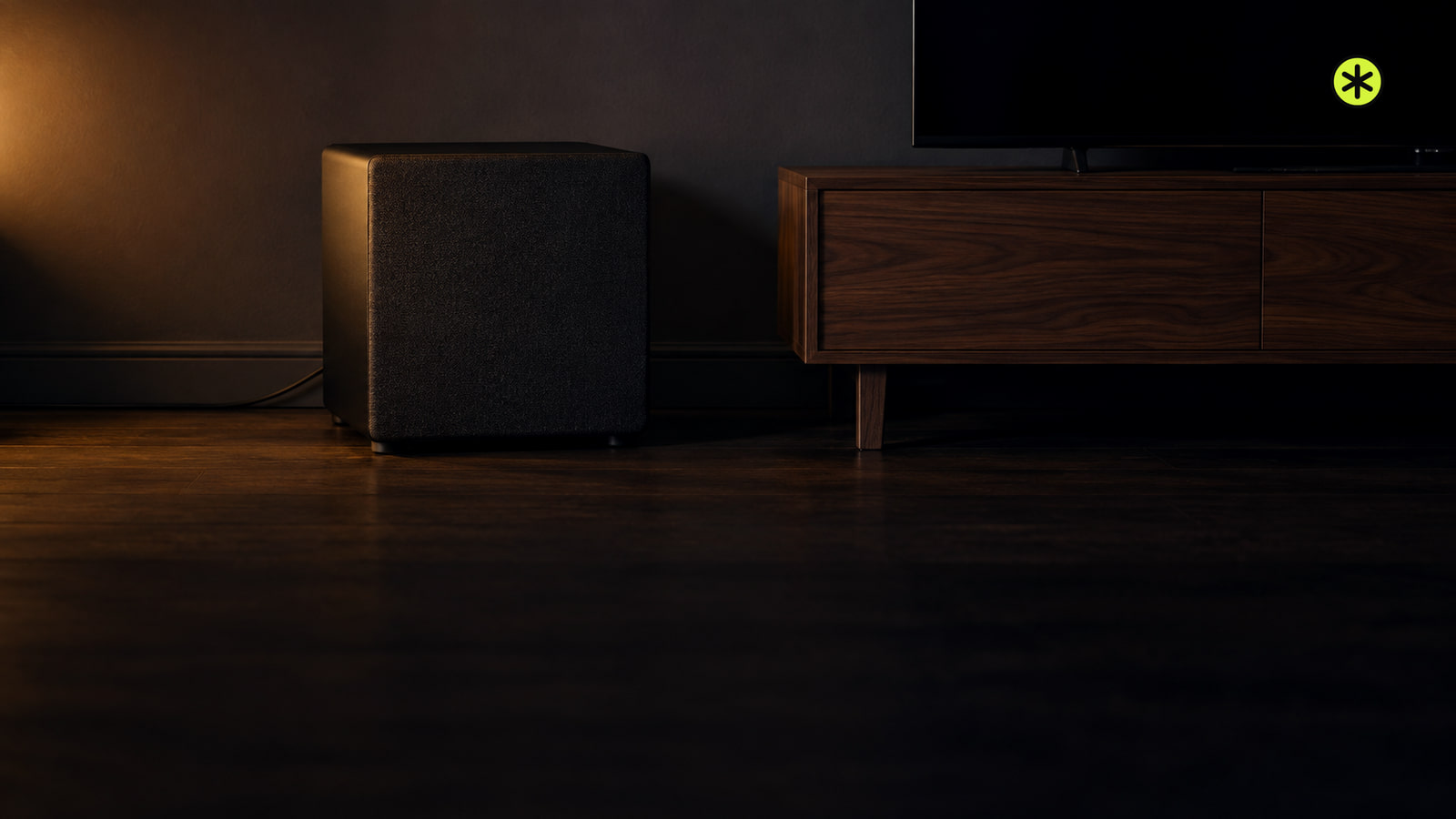
Start with your Sonos Sub on the floor near its paired speaker. Compare practical spots from your seat and keep the one with clear, even bass.
TunedRoom
New guides, news and deals, in publication order.
Start with your Sonos Sub on the floor near its paired speaker. Compare practical spots from your seat and keep the one with clear, even bass.
To connect a turntable to speakers, check whether they're powered or passive, then make sure the record passes through exactly one phono stage.
Start with a spot that fits your room, listen from your main seat, and use the subwoofer crawl if the bass sounds boomy or weak.
Apple's AirPods 5 offer open-ear ANC for $129 in the U.S. A $149 version adds wireless charging and volume swipes. Stores are due to get them September 18.
Measure your room and listening seat, calculate labeled starting marks for your layout, then test them before moving furniture or cutting the ceiling.
Unplug the receiver, run one cable to each passive speaker, match positive and negative at both ends, then test left and right at low volume.
Find the connection your Sony speaker supports, then pair it with your phone, computer or TV, or use its wired input.
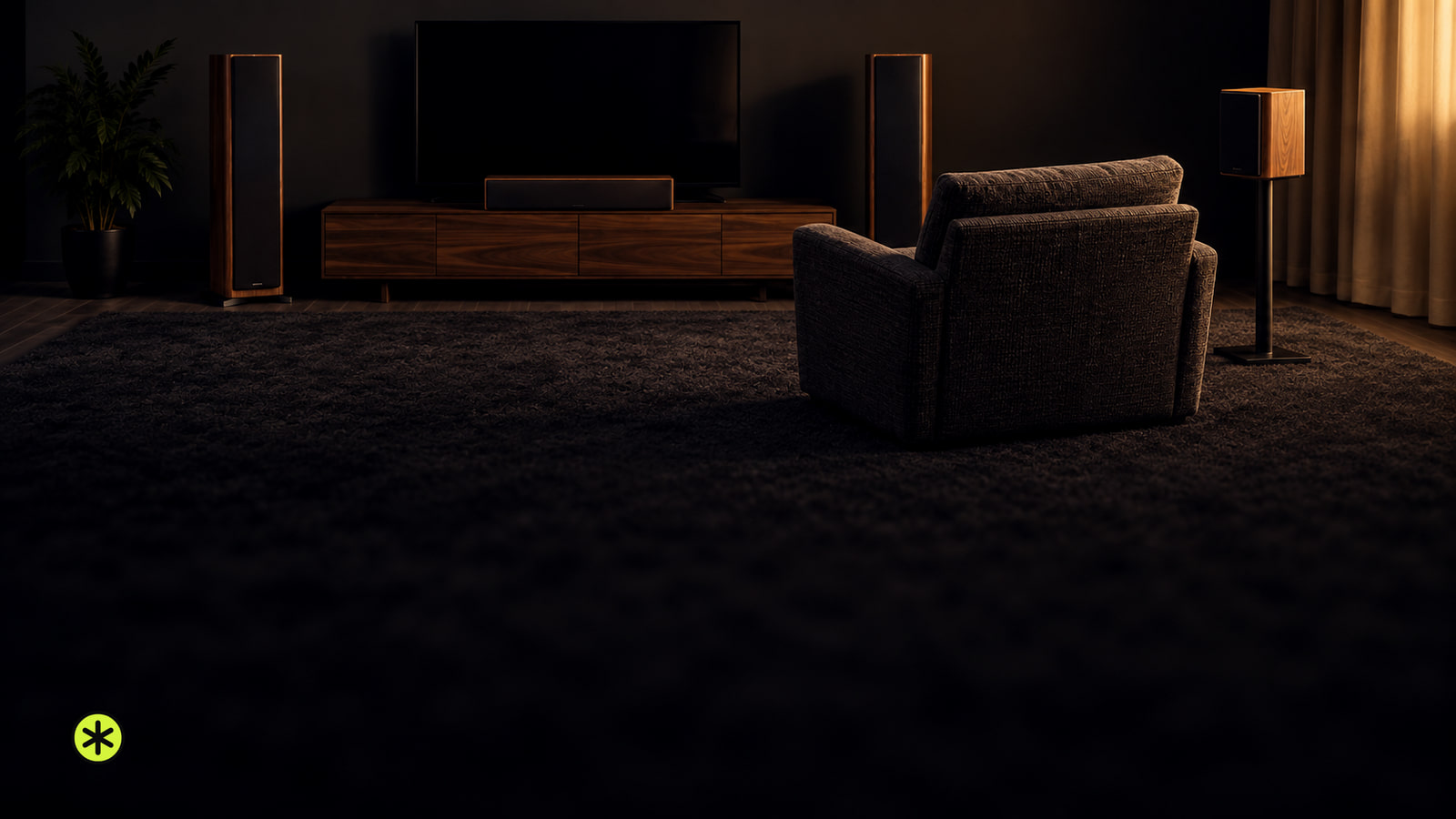
For 5.1 surround sound, place the front speakers around the screen and the surround pair beside or slightly behind your seat. Test, then calibrate.
Connect a powered subwoofer from your receiver’s Sub Out to its LFE input with one RCA cable. A passive subwoofer needs an amplifier in between.
If your Bluetooth headphones keep disconnecting, play downloaded audio with the phone close, then try another device to narrow down the cause.
An iPhone speaker can crackle from blockage, moisture, loud playback, an app, a call connection or damage. Compare sounds to find the cause.
To fix Mac speaker crackling, compare playback across apps and outputs, check Sound settings, then use the right diagnostic path if it persists.
Reset a Samsung soundbar by matching its controls to the right method, then check for INIT or its LED confirmation before restoring sound.
To connect Bose speakers, first match your model to Bluetooth, app setup or a TV cable. The steps change if you want two speakers to play together.
For optimal subwoofer placement, compare the front wall, a corner and any workable sofa-side spot, then listen from every seat you use.
Your Epson projector is on but isn't getting usable video. Select the connected input, wake the source, then reseat the cable at both ends.
Stop playback, unplug the turntable, then brush the stylus gently from rear to front. Replace it if the tip or its support is bent or broken.
Muffled sound can come from blocked mesh, poor fit, a connection, or a sound setting. Compare where the change happens before replacing them.
Not sure where to place a subwoofer? Compare a front-wall spot and a corner from every seat you use, then recalibrate.
If your record player is not spinning, check power and the start control first. Then use its drive type and what the platter does to choose the next check.
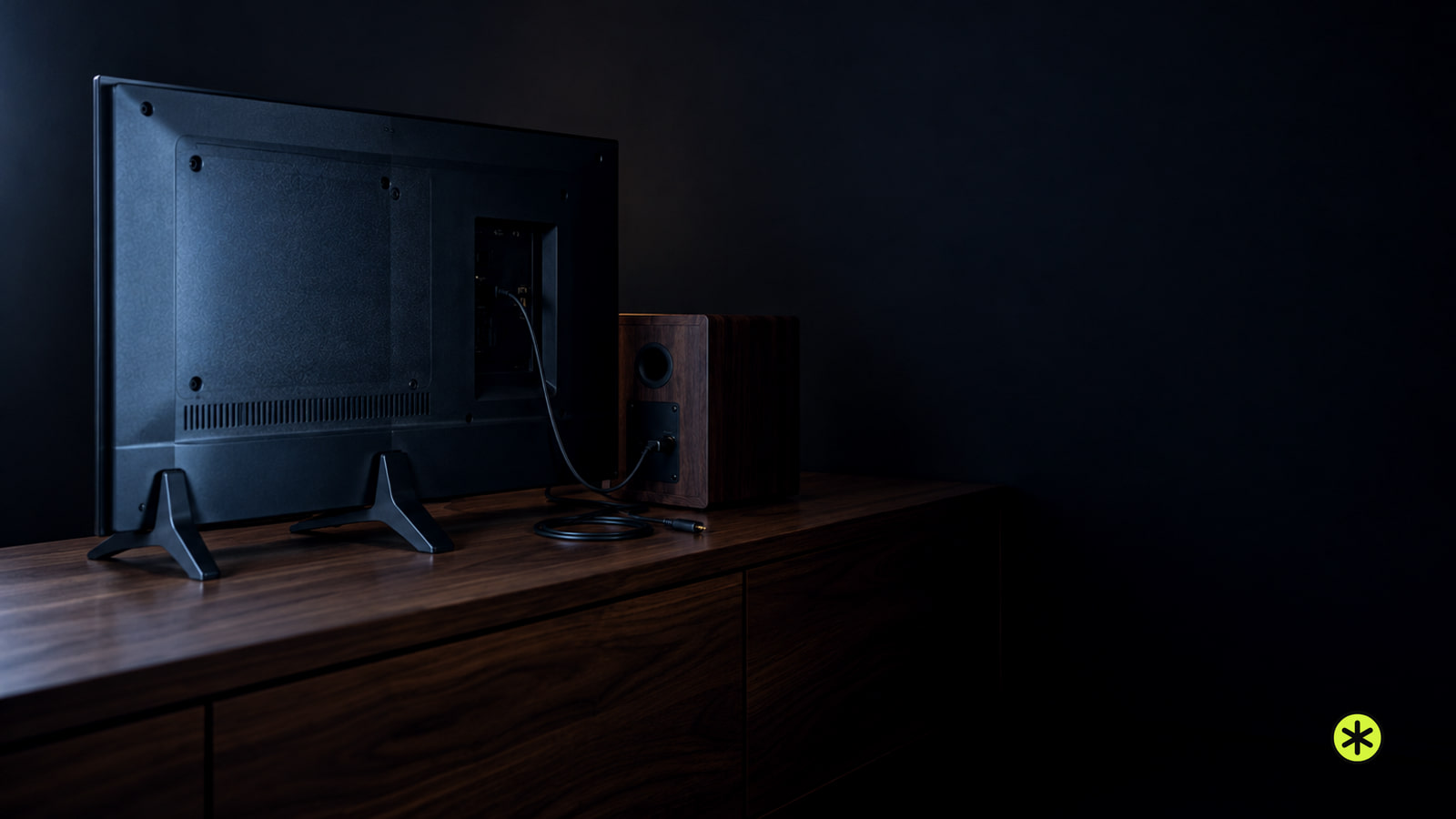
Connect the TV's audio output to a matching input on powered speakers or a soundbar. Passive speakers need an amplifier between them and the TV.
Connect multiple Bluetooth speakers through a shared linking mode, a source with dual output, AirPlay, Auracast or a two-output transmitter.
Pair one JBL speaker to your phone or computer and play a track. To add another, match their linking systems and press the link control on both.