Match the reset to your soundbar's controls
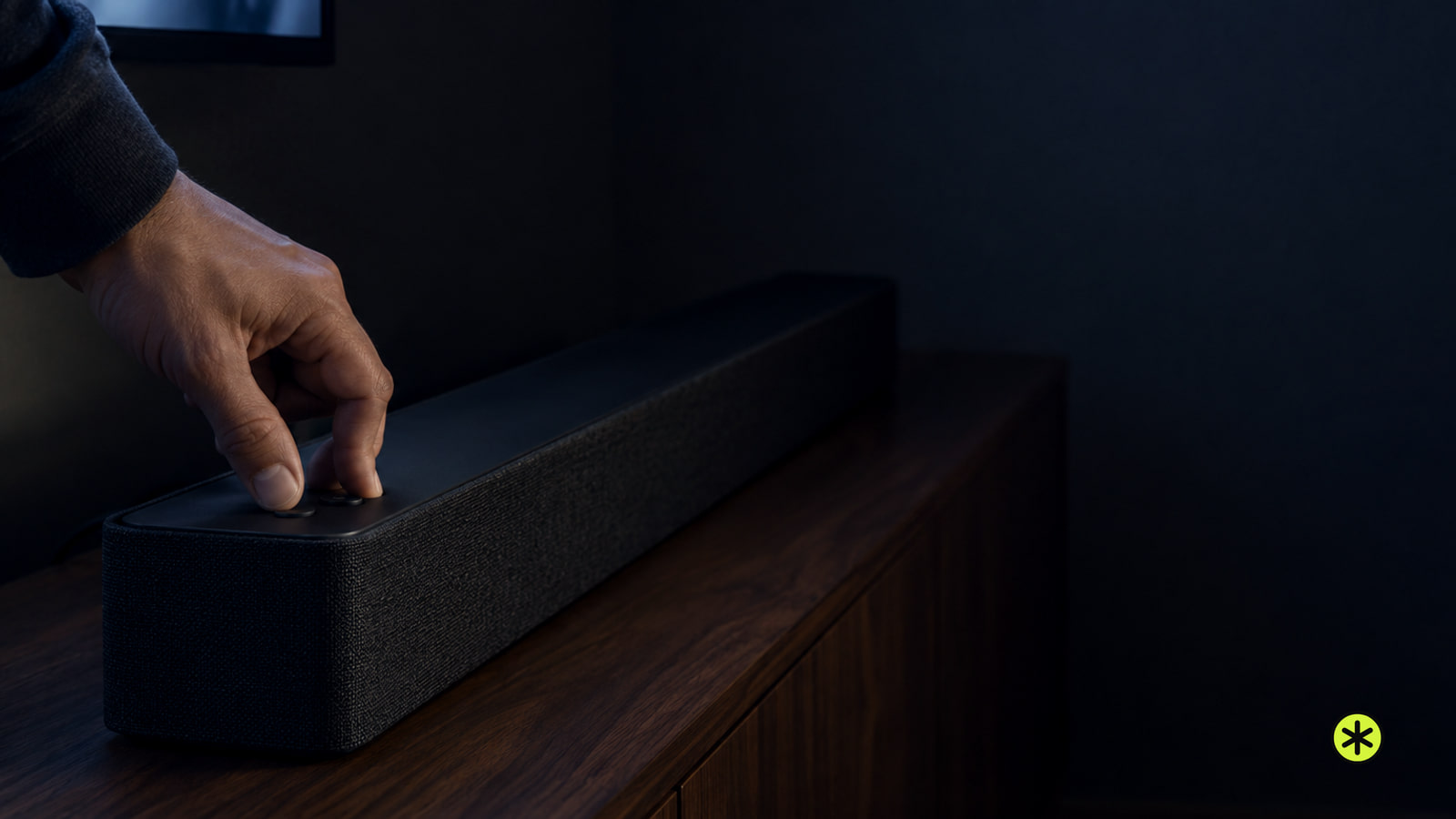
- On many Samsung soundbars, turn the bar on and hold both volume buttons on the bar until INIT, INIT OK or its reset LED sequence appears.
- Check the model code first. Some soundbars use a remote button instead, and the confirmation varies by model.
- A factory reset clears your settings. If sound is missing afterward, check the TV connection, Bluetooth pairing or subwoofer link.
If your soundbar has stopped playing or responding, we'd check its power, volume and TV sound output before resetting it. A cable or input problem can still be there after your settings are cleared.
The model code is on a sticker on the back or bottom of the soundbar. Match that code and the controls you can see to the table below. For a model that doesn't match a row, find your model's manual (opens in a new tab) before trying a reset.
- Unplug the soundbar, plug it back in and turn it on. If it plays normally, you can stop here. If there's still no sound, check the volume next.
- Check volume and mute on both devices while the TV is playing something. If sound returns, keep those settings. If it stays silent, check where the TV is sending its sound.
- Select the soundbar as the TV's sound output, and make sure the soundbar is on the input you're using. If sound returns, the connection is working. If it remains silent, check the cable and ports next.
- Check that the audio cable is securely plugged in at both ends and connected to the correct ports on the TV and soundbar. Play something again. If sound is still missing, use the reset action for your model below.
Use the reset action for your model
| Soundbar controls or model family | Reset action | What confirms it |
|---|---|---|
| HW-Q***D with a display | With the bar on, hold Volume − and + on the bar for more than 5 seconds. | INIT appears. Wait for the reset to finish. |
| HW-S***D or HW-LS60D with indicator lights | With the bar on, hold Volume − and + on the bar for more than 5 seconds. | A white light moves across and back, cyan blinks three times, then red blinks and turns off. |
| C series, including the HW-Q600C | With the bar on, hold Volume − and + on the bar. On the HW-Q600C, hold for at least 5 seconds. | Depending on the model, INIT OK appears, or the middle light blinks cyan three times and a voice confirms the reset. |
| B series | With the bar on, hold Volume − and + on the bar for a few seconds. | Depending on the model, INIT appears, the middle light blinks cyan three times with voice confirmation, or the middle red light blinks and turns off. |
| HW-A450 | With the bar on, hold Sound Control on the remote for 10 seconds. | INIT, then OK appears, and the bar restarts. |
| HW-T450 | With the bar off in standby, hold Play/Pause on the remote for 5 seconds. | INIT appears, then the bar turns off. |
| HW-R450 | With the bar off in standby, hold Play/Pause on the remote for 5 seconds. | INIT appears, then the bar turns off. |
| HW-N450 | With the bar off in standby, hold Play/Pause on the remote for 5 seconds. | INIT appears, then the bar turns off. |
- Check the model code against the table. If it isn't listed, find the reset control and power state in that model's manual before pressing anything. Once you have a match, put the bar in the listed power state.
- If your row says the bar must be on, turn it on. If it says standby, turn it off. Check that state before you hold the button, because the listed action depends on it.
- Hold only the controls in your row for the listed time, then watch for its display message or light sequence. That confirmation tells you the reset has registered. If nothing appears, check the model code and manual, then repeat only the matching method.
If the reset does not register
If the expected message or lights still don't appear after the matching method, contact Samsung Service. Report your model code, the control and power state you used, which indication you expected and what appeared instead.
In the US, check your model's warranty (opens in a new tab) before arranging service. For an in-warranty soundbar repair, a mail-in option is available. Give support your model code, connection type, reset result and the sound or pairing checks you've tried.
Request a repair quote before mailing the soundbar.
Tick what applies and add details; the note above fills in as you go.
If the TV still has no sound
Play something with the TV and soundbar volume up, then select the soundbar input that matches the cable. Check that the cable is secure at both ends. If you use an optical audio connection, check the TV's sound output setting too.
For example, with optical on an LG TV, set Sound Out to Optical Out Device.
Using HDMI ARC? Select D.IN on the soundbar and watch for it to switch to TV ARC. If it stays on D.IN, reconnect the HDMI cable and try again. If TV ARC appears, play something to check the sound.
If Bluetooth won't pair
Put the soundbar in Bluetooth pairing mode and look for BT PAIRING before selecting it on your phone or tablet. If the display says BT READY, hold Source on the soundbar until BT PAIRING appears. Then put your phone or tablet in pairing mode and choose the soundbar from its device list.
If BT PAIRING never appears after using the controls for your model, contact Samsung Service and report what the display showed.
If the subwoofer is silent
Turn on the soundbar and check the subwoofer's LINK light. A blue light that stops blinking and stays on means the link is working. If it keeps blinking, follow the subwoofer pairing steps for your model. Check for a steady blue LINK light when you're done.
A few other reset questions
Could a firmware update help if Bluetooth still won't pair?
Check for a soundbar firmware update, then try pairing again.
How can I tell whether the TV or soundbar is causing an ARC problem?
Try the soundbar on another TV with ARC. If it switches to TV ARC there, troubleshoot the original TV.
What if one device has no sound but another works?
Test another device on the same soundbar port. If that device plays, troubleshoot the original device.
How do I restore Wi-Fi on a soundbar that uses SmartThings?
Select Wi-Fi mode, put your phone on the same Wi-Fi network as the TV, then open SmartThings and tap Add (+), Device, AV, Samsung and Soundbar. Tap Start, choose the location and room, and let SmartThings search for and connect to the soundbar.
More in this category