Compare the front wall, corner and seats that matter
- Start near your front speakers, then compare a front corner.
- Choose the spot that sounds balanced from the seats you use, even if another spot sounds louder.
- Keep the sub's port and vents clear, and get help moving a heavy cabinet.
- If the sub is silent, check power and its signal path before changing its position.
The spot that gives you the most bass may leave another seat with hardly any. We'd start along the front wall and compare a corner, because that gives you two useful choices before you move furniture. Listen from every seat you use before you settle on one.
Along the wall with your front speakers, mark one spot between or beside them and another in a front corner.
| Position | What to listen for | What to try next |
|---|---|---|
| Front wall near the speakers | A balanced starting point. | Compare it with a front corner using the same bass passage. |
| Front corner | Usually louder bass, which may sound excessive at some seats. | Move the sub farther along the wall if the corner sounds boomy. |
| Beside or behind the sofa | A usable option where furniture and clearance allow it. | Check the other seats before choosing a spot close to one listener. |
| Only one workable spot | Bass that changes as you change seats. | Try a different listening position if you can. |
A well-placed sub shouldn't draw your attention to the box itself. If it does, compare another permitted spot before changing its settings.
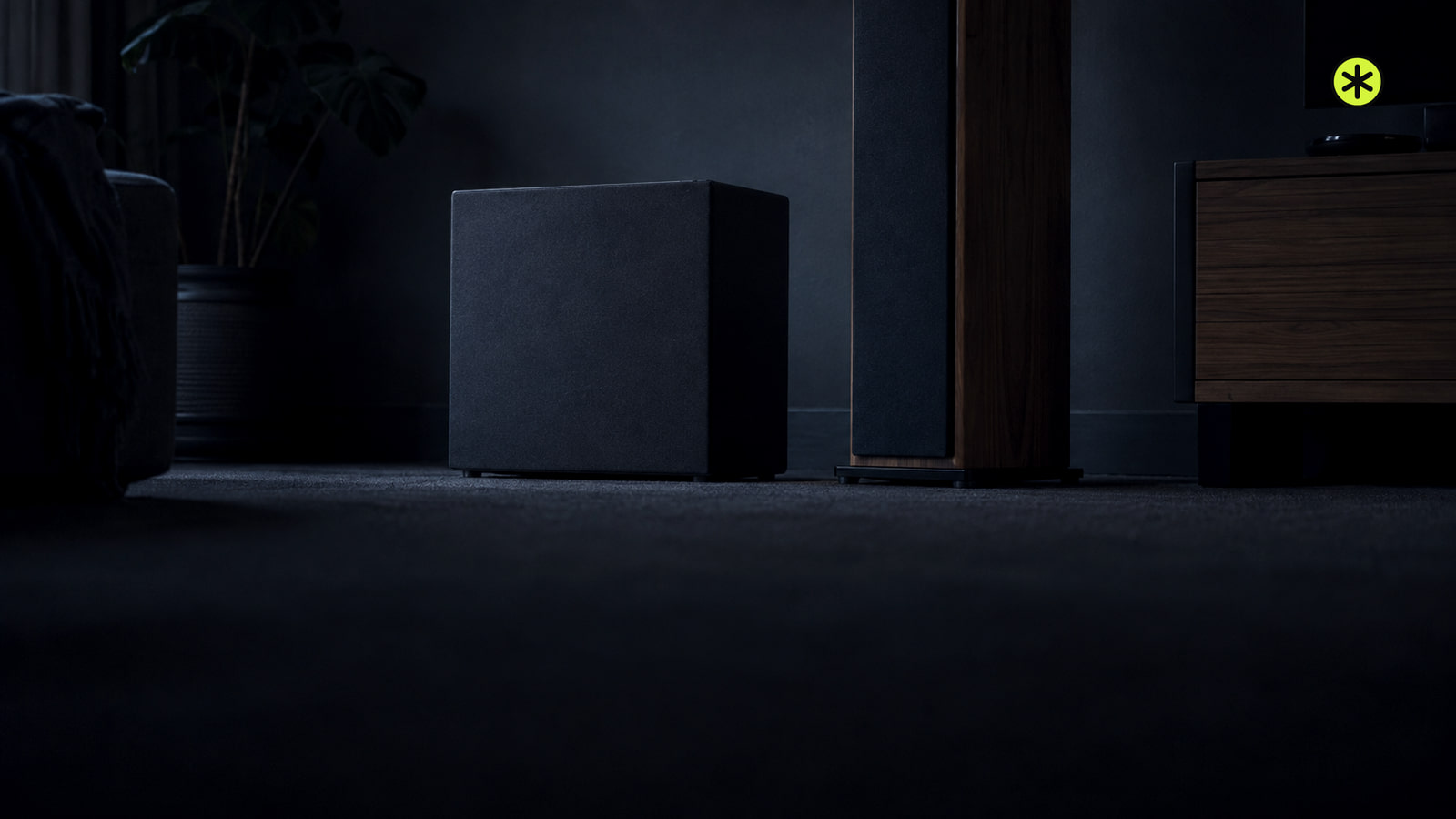
Keep ports and vents clear
Check your sub's clearance requirements at every spot you try. Air needs an open path through its ports and ventilation openings, including when the cabinet sits near furniture.
The limits differ by model. A Sonos Sub 4 can sit under furniture with at least 1 inch above it, nothing on top and one side of its slot open. You can check Sonos placement options before trying that position. As a separate model example, the Yamaha NS-SW100 needs 8 inches (20 cm) above, behind and on both sides, and you shouldn't lift it by its right-side port.
If your sub has a power switch, turn it off before each move. Disconnect its power plug and any attached signal cables, following your model's instructions. At the new spot, reconnect the cables and plug it in, then turn the switch on if it has one. Get someone to help if the cabinet is big or heavy.
Test each possible spot from your seat
When you have several workable positions, the subwoofer crawl (opens in a new tab) helps you compare them from your main seat. Put the sub at or near that seat temporarily, then listen where the sub might actually go.
- If your sub has a power switch, turn it off. Disconnect its power plug and any attached signal cables, and put it on the floor at or near your main seat with its required clearance. Reconnect the cables and plug it in, then turn the switch on if it has one. You should be able to play it there; if it stays silent, use the power and signal checks below before continuing.
- Play a familiar passage with repeating bass at a comfortable volume. You should hear the same notes repeat; if the passage has little bass, choose a different one.
- Listen at each possible sub location with your head around knee height. Mark spots where the bass sounds balanced and spots where it booms or fades. If none sounds good, include another permitted location or try a different seat.
- If your sub has a power switch, turn it off. Disconnect its power plug and any attached signal cables, and move it to the best candidate. Reconnect the cables and plug it in, then turn the switch on if it has one. Listen from your main seat. If the bass sounds worse there, compare your next-best candidate.
If the sub cannot sit near your seat, compare permitted sub positions from that same seat using the same passage and volume. Choose the position that sounds most balanced there.
For a sofa or several chairs, keep the passage and volume the same while you listen from each seat. Note which seats sound weak or boomy, then choose the position that works best across the seats you use. If one sub cannot cover them well, two separated subs can improve consistency; opposite front and rear corners are one pairing to compare.
If the sub can go in only one place, try changing where you sit. A different listening position can change the bass you hear.
If the sub came with a soundbar
Compare a floor spot near the front of the room with another permitted spot, keeping the sub's ventilation path open. First make sure the soundbar itself plays from the source you've selected. A silent soundbar calls for a source or cable check before you troubleshoot the sub's wireless connection.
| System | Expected result | If it does not connect |
|---|---|---|
| Samsung soundbar with a wireless sub | The blue LINK light stops blinking and stays on. | Use the pairing procedure for your soundbar model if it keeps blinking. |
| LG soundbar with a wireless sub | The light on the back of the sub turns green. | If it turns red or the connection is lost, turn off the soundbar, press Pairing on the sub, turn the soundbar back on, and check for a solid green light. |
| Sonos home theater speaker with Sub Mini | The home theater speaker is set up before Sub Mini. | Complete that speaker's setup first, then add Sub Mini. |
Pairing controls vary by model. If you have a Samsung system, find its pairing steps (opens in a new tab) before pressing any buttons.
If the sub stays silent
Check that its power cord is fully seated and the outlet has power. With a receiver and a standalone sub, check that the receiver's sub out channel is enabled and the cable reaches the intended input. If you're unsure which jack to use, check the connection path before changing cables.
If your sub has an adjustable level, check that it isn't muted or at zero, then raise it gradually until it blends with your speakers.
Before arranging service, check your warranty for labor and shipping charges. The warranty questions (opens in a new tab) help you identify those costs. Ask support for the likely charge before agreeing to a repair.
Two setup questions
Can a sub sit inside furniture?
Some can. Polk lists an entertainment center as an option for its Signature Elite subwoofers. Check your model's clearance requirements before using an enclosed spot.
Which seat comes first during room correction?
Use the primary listening seat for the first measurement if you have Anthem ARC Genesis. Its first position sets the system's overall level.
Blend the sub with your speakers after moving it
Once you've chosen a position, check the crossover, where your speakers hand bass to the sub. If you hear a gap, raise a crossover that's set too low. On systems with an adjustable crossover, 80 Hz is one starting point to compare, then listen to how well it blends with your speakers.
If your receiver controls the crossover, use the sub's bypass or maximum low-pass setting as its instructions require. If you have a phase control, compare its settings with music that covers the crossover frequency and keep the one that gives you better bass from your seat.
Run compatible room calibration again after changing the sub's position, then replay the same passage from each seat you use. Keep the position and settings that give those seats the most balanced bass.
More in this category