Speakers
How Far Apart Should Your Speakers Be?
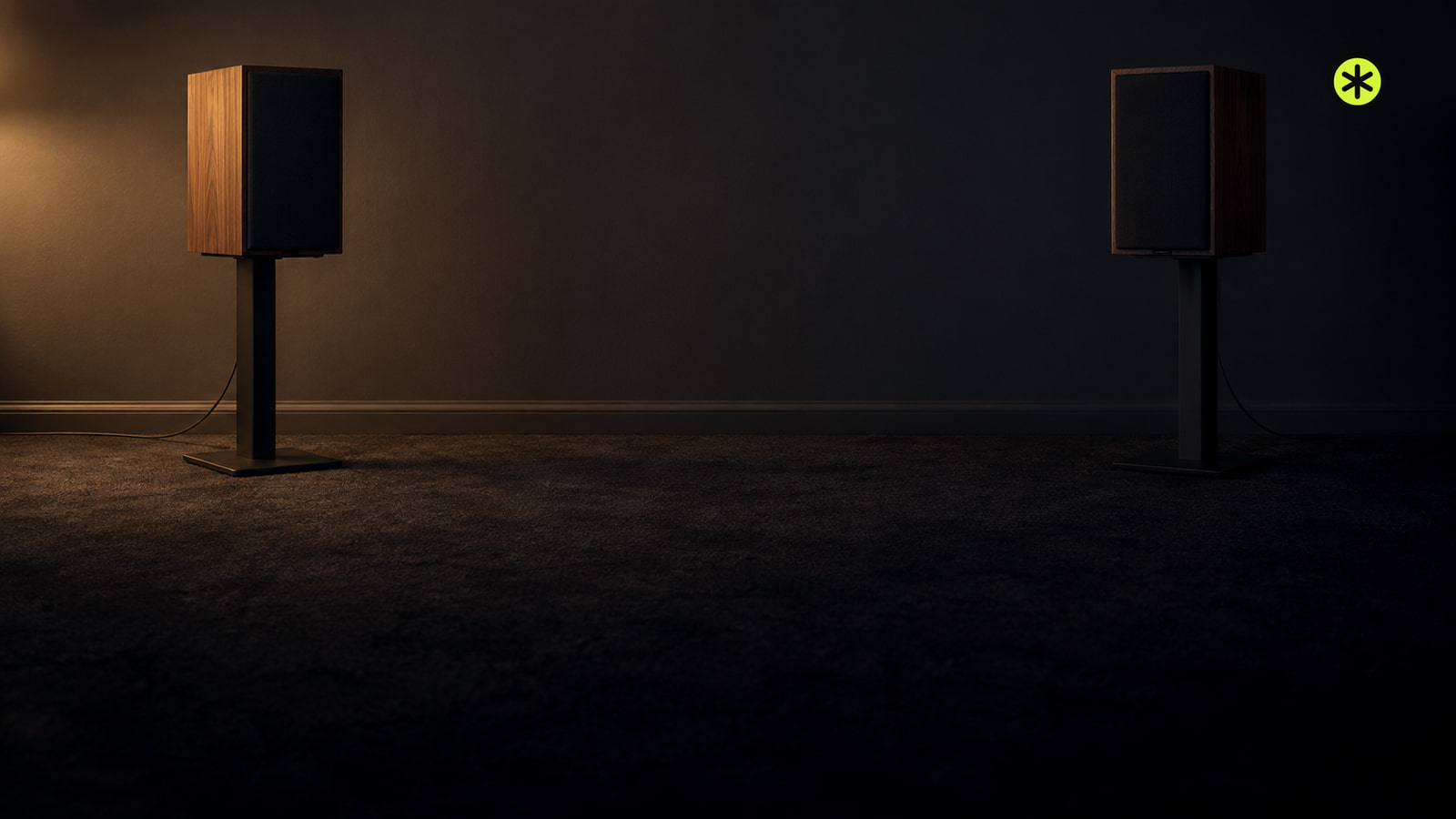
Set the speakers roughly as far apart as each is from your seated ears, then adjust the gap until a voice stays centered and the sound has width.
On this stage
Connections, placement, noise, and missing channels.
Speakers
Set the speakers roughly as far apart as each is from your seated ears, then adjust the gap until a voice stays centered and the sound has width.
Speakers
Plug in your Sonos Play:3, use the app that controls your system, and follow setup until its room appears and plays.
Speakers
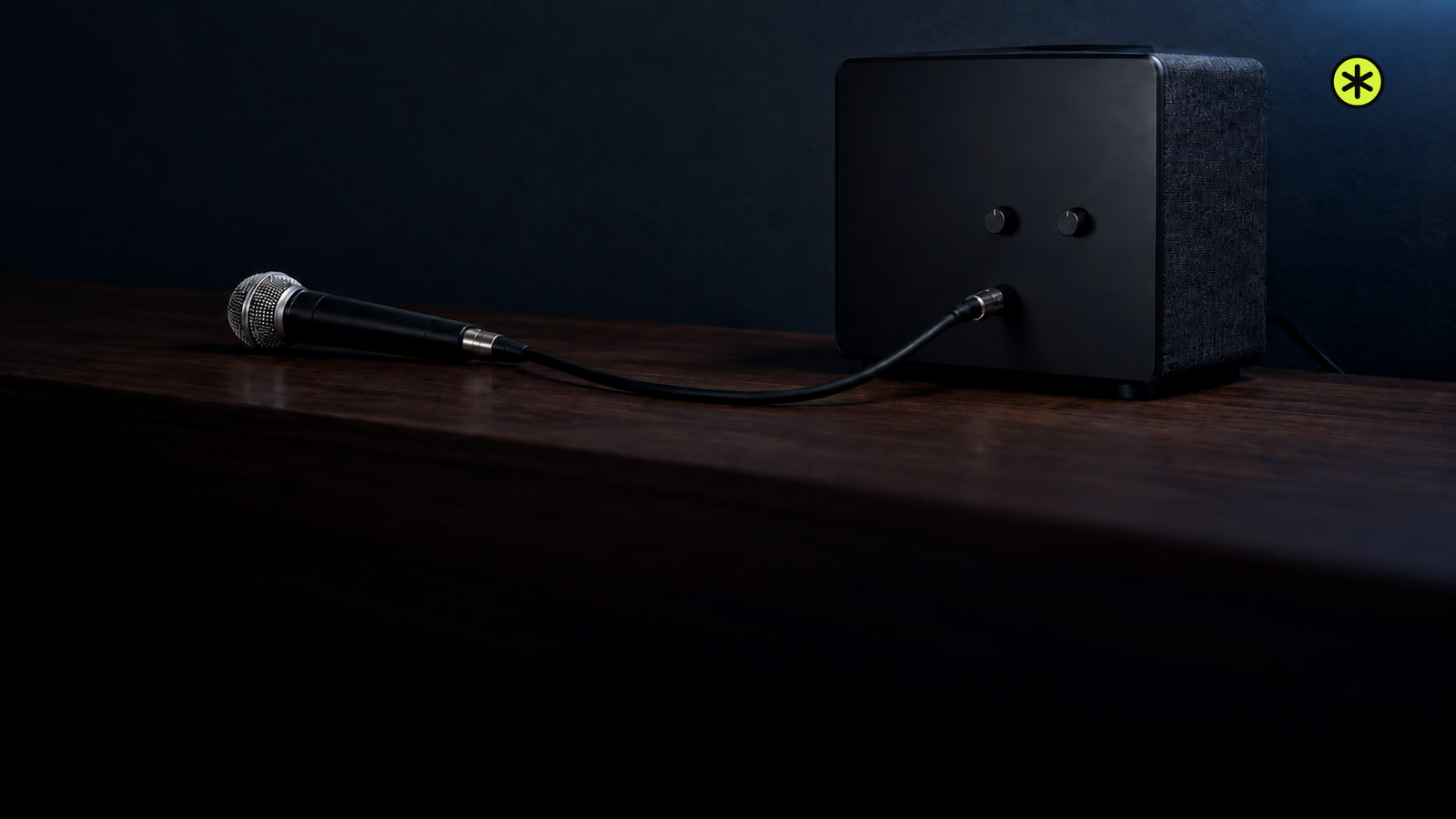
Connect a mic to a powered speaker’s MIC input, or use a preamp or receiver for LINE or AUX. Start at low volume and listen for clear speech.
Speakers
Get center channel speaker placement right with a spot close to the screen, a flush furniture edge and an angle aimed at your seated ears.
Speakers
Measure your room and listening seat, calculate labeled starting marks for your layout, then test them before moving furniture or cutting the ceiling.
Speakers
Unplug the receiver, run one cable to each passive speaker, match positive and negative at both ends, then test left and right at low volume.
Speakers
Find the connection your Sony speaker supports, then pair it with your phone, computer or TV, or use its wired input.
Speakers
For 5.1 surround sound, place the front speakers around the screen and the surround pair beside or slightly behind your seat. Test, then calibrate.
Speakers
An iPhone speaker can crackle from blockage, moisture, loud playback, an app, a call connection or damage. Compare sounds to find the cause.
Speakers
To fix Mac speaker crackling, compare playback across apps and outputs, check Sound settings, then use the right diagnostic path if it persists.
Speakers
To connect Bose speakers, first match your model to Bluetooth, app setup or a TV cable. The steps change if you want two speakers to play together.
Speakers
Pair one JBL speaker to your phone or computer and play a track. To add another, match their linking systems and press the link control on both.