TV and Soundbars
Why Won't My Samsung Soundbar Subwoofer Link?
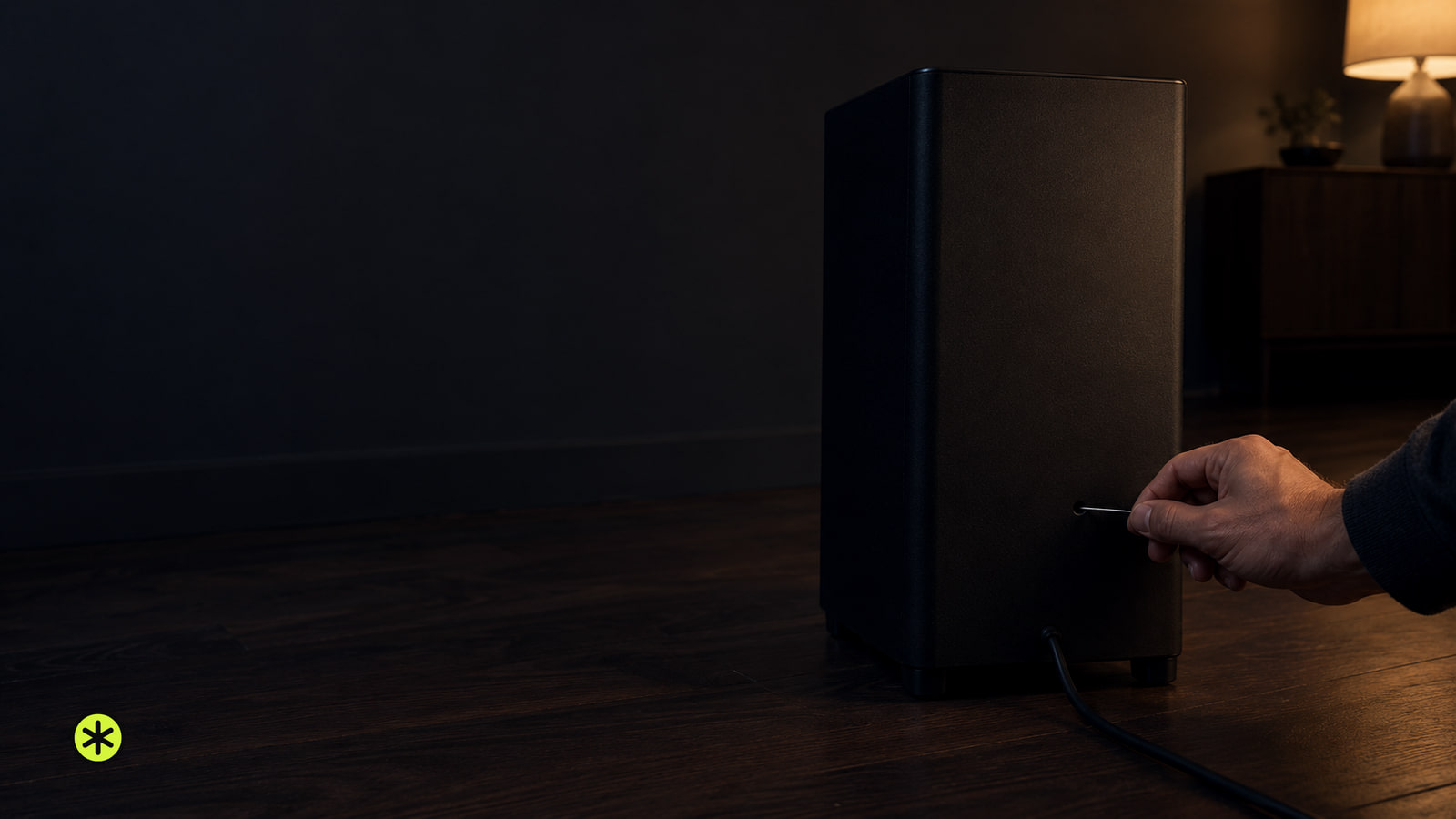
If your Samsung soundbar subwoofer won't link, check the LINK light, run ID SET on both units, and look for a solid blue light.
On this stage
ARC, eARC, formats, lip sync, and silent inputs.
TV and Soundbars
If your Samsung soundbar subwoofer won't link, check the LINK light, run ID SET on both units, and look for a solid blue light.
TV and Soundbars
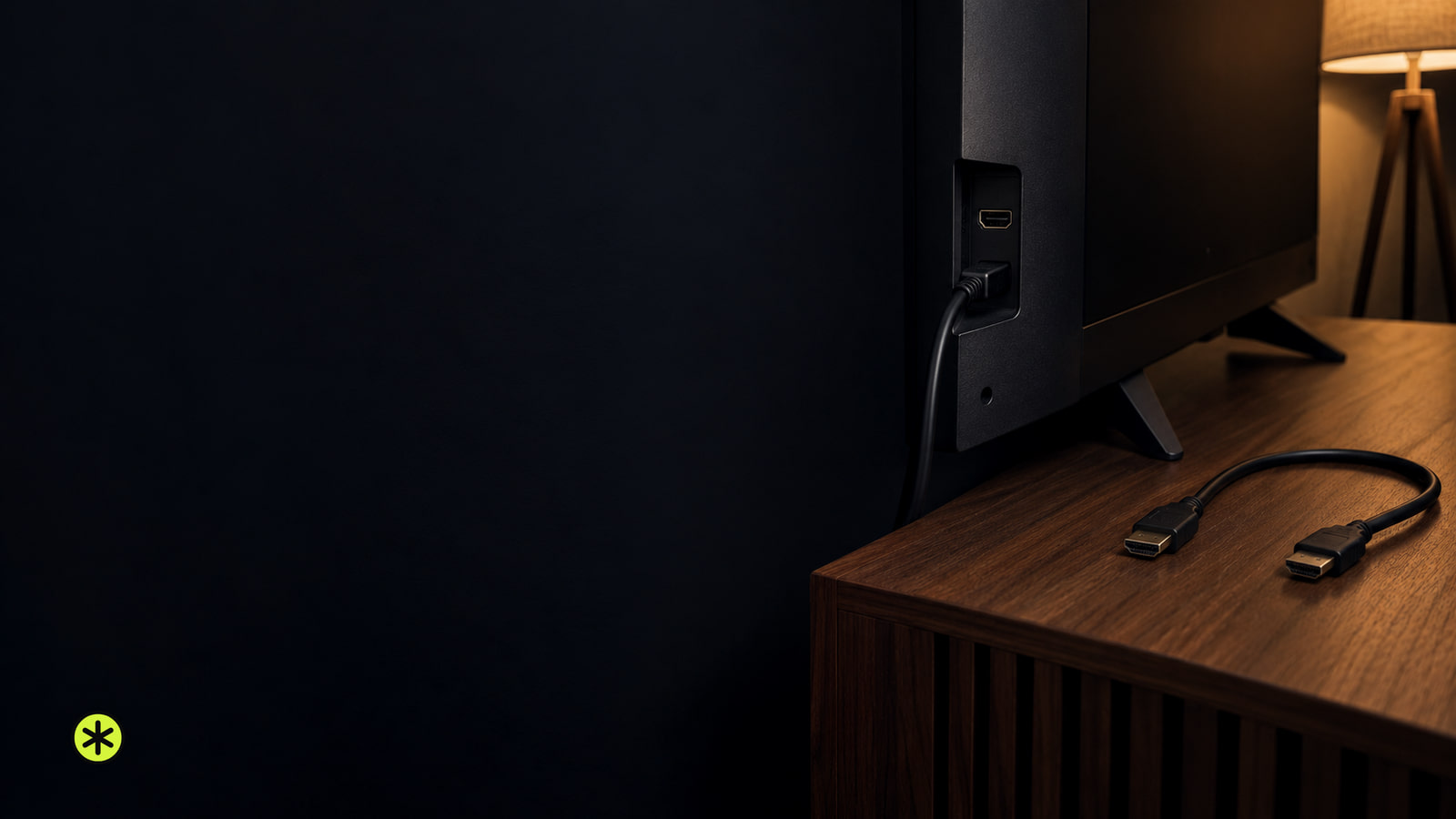
If your TV says No Signal or stays black on HDMI, check the device, input and cable first. A few comparisons can narrow down the cause.
TV and Soundbars
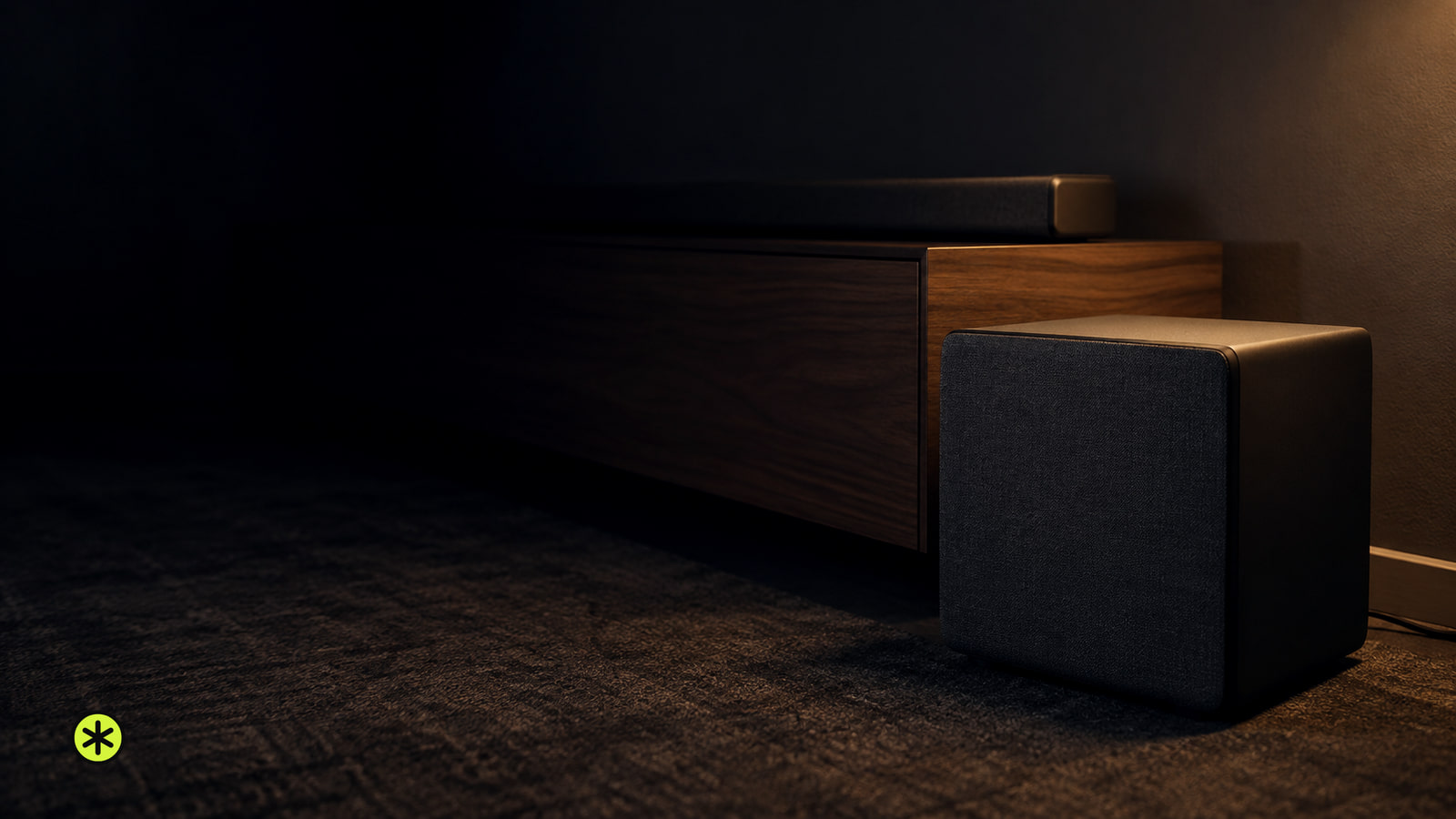
Place the subwoofer on the floor beside the TV and soundbar, then compare a front corner and any usable side or sofa spot from your seat.
News
Epson announced the Home Cinema LS5000, LS6000 and LS7500 4K HDR laser projectors, arriving in late September from $1,999.99 MSRP with 120Hz and eARC.
TV and Soundbars
Improve your TV sound by comparing sources first, then trying a dialogue setting for muffled voices or night mode for loudness swings.
TV and Soundbars
A brief blink can be normal. If your TCL TV light keeps blinking and Home never appears, test the power connection, then follow the screen symptom.
TV and Soundbars
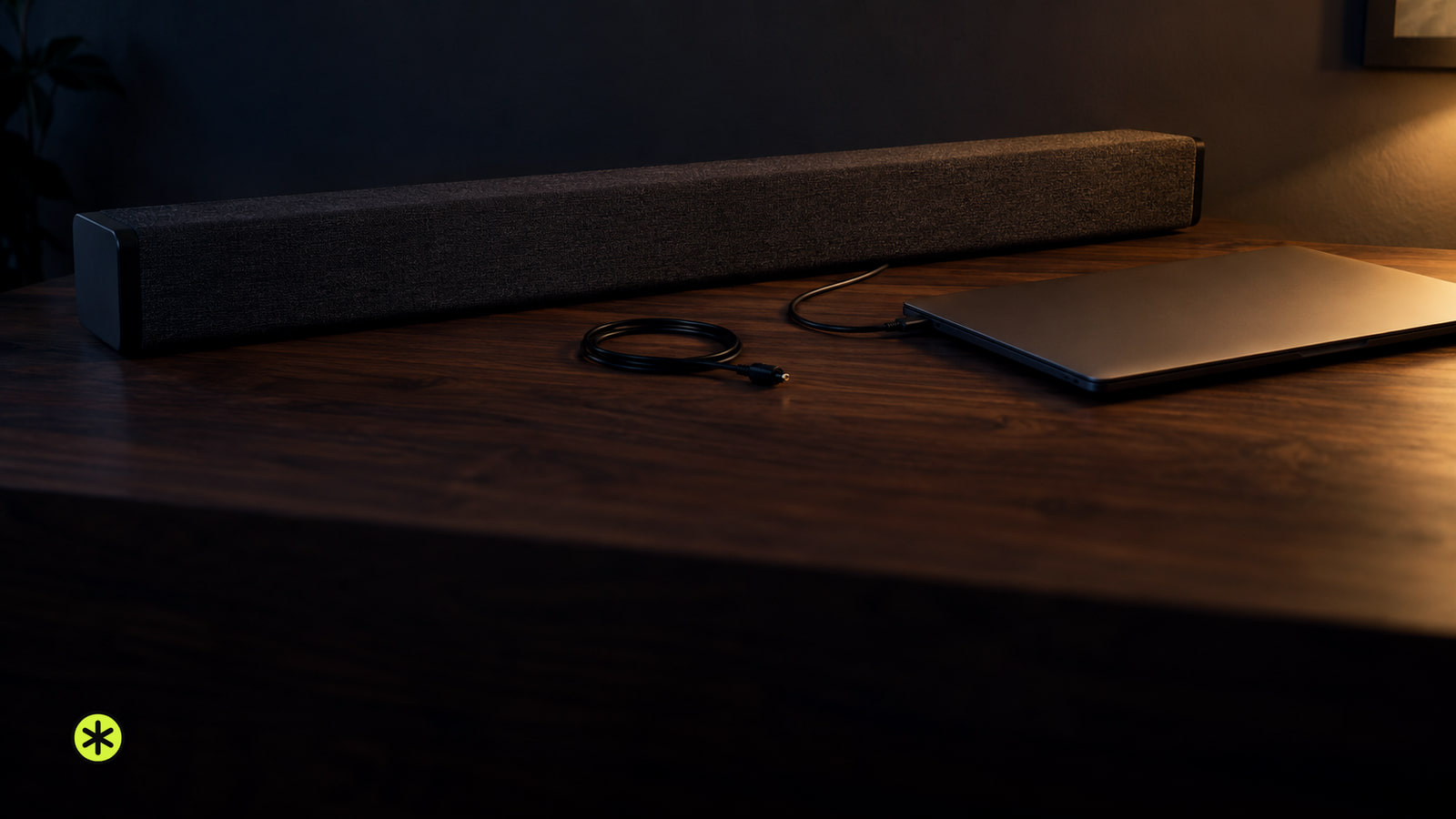
Match a computer audio output to a soundbar input, connect or pair them, then select the bar in your sound settings and play a test clip.
TV and Soundbars
Test the TV’s outlet with a lamp, plug it directly into a working wall outlet, and press its own Power button. Then follow its light and sound.
TV and Soundbars
Turn on your device, match its TV port to the input, then follow the screen: No Signal, a missing input, and an unresponsive remote need different fixes.
TV and Soundbars
Reset a Samsung soundbar by matching its controls to the right method, then check for INIT or its LED confirmation before restoring sound.
TV and Soundbars
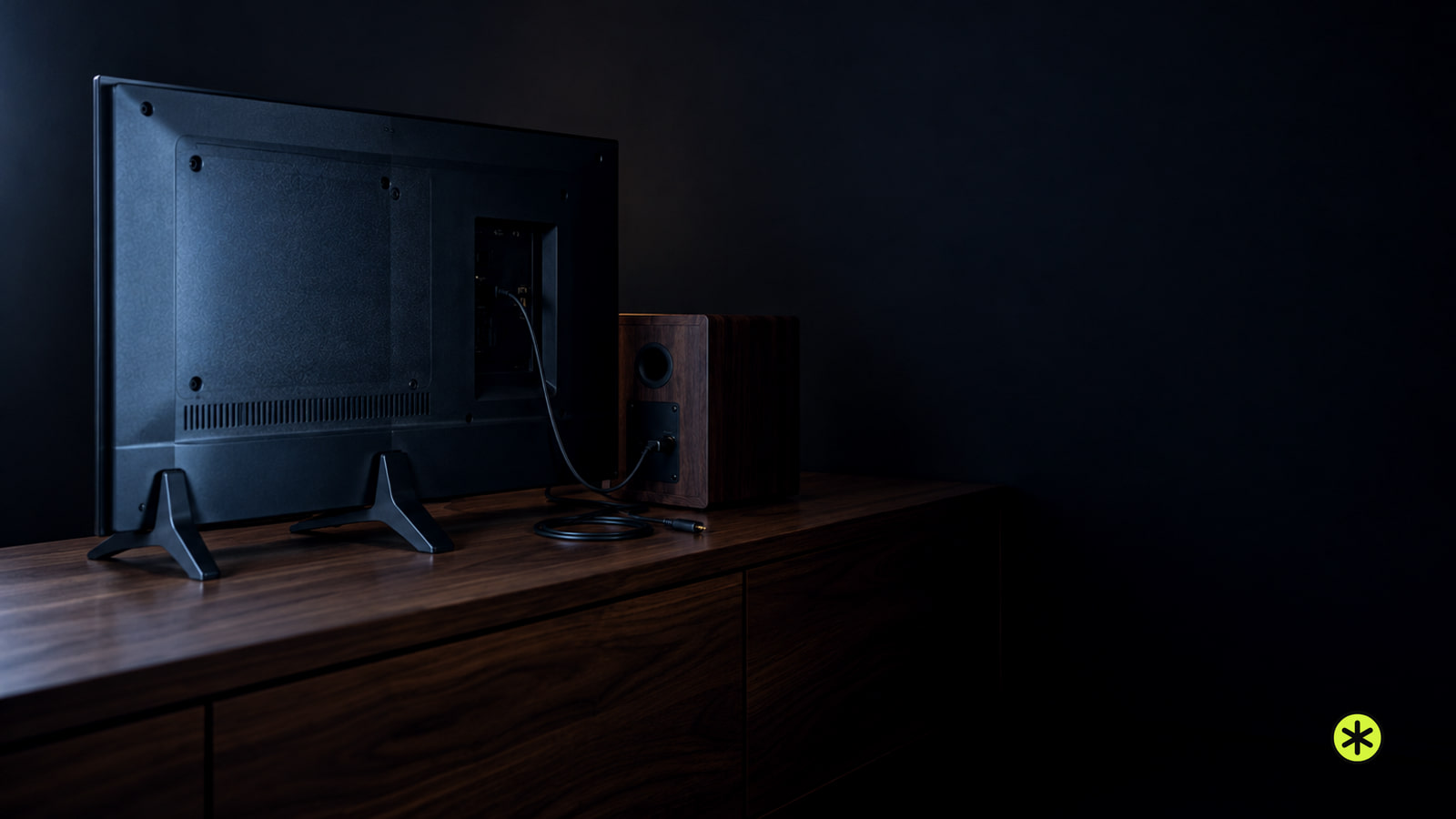
Connect the TV's audio output to a matching input on powered speakers or a soundbar. Passive speakers need an amplifier between them and the TV.