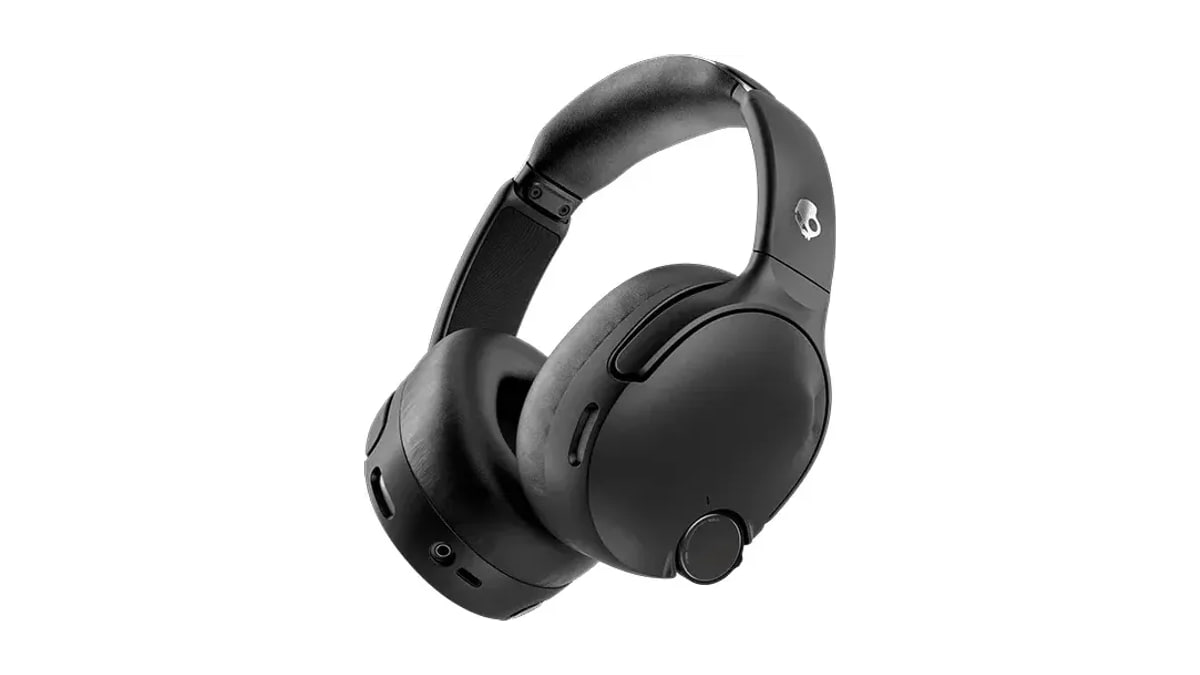
Three ways to adjust the bass feel
Skullcandy today added three Crusher Profiles to Crusher 1080 ANC through a free firmware update, giving owners a choice of bass character alongside the existing intensity adjustment (opens in a new tab). The company also says the update improves Crusher Bass at lower listening volumes.
- Works with
- Crusher 1080 ANC
- Price
- Free firmware update
- Controls
- Choose profiles in the Skullcandy App or double-press the Custom button.
- Profiles
- Full, Balanced and Tight
Developed with Bose, Crusher Profiles are exclusive to Crusher 1080 ANC and mark the first appearance of this feature in the Crusher range. Skullcandy describes Tight as emphasizing punch and instrument separation, while Full aims for a warmer presentation with substantial bass and gentler highs. Balanced is the default, described by the company as keeping bass, midrange and treble even.
After choosing a profile, owners can set bass intensity using either the headphones' Crusher wheel or the dial within the Skullcandy App. Crusher 720 also offers adjustable Crusher Bass intensity, but the profile selection belongs only to Crusher 1080 ANC.
Install through the phone app
Owners need the newest Skullcandy App version, available through Google Play or Apple's App Store, before installing the firmware. Anyone who already has the app should update it through their phone's app store first. Skullcandy puts the update process at approximately two minutes.
Pair Crusher 1080 ANC with the phone over Bluetooth, then open the app, link the headphones and follow its firmware installation prompt. Once installation finishes, the Crusher Profiles widget provides the three choices. For profile changes away from the app, owners can press the headset's Custom button twice.
Choose a profile first, then use the Crusher wheel to set intensity: the update gives those two controls separate jobs.