
Add physical rear channels to XIO
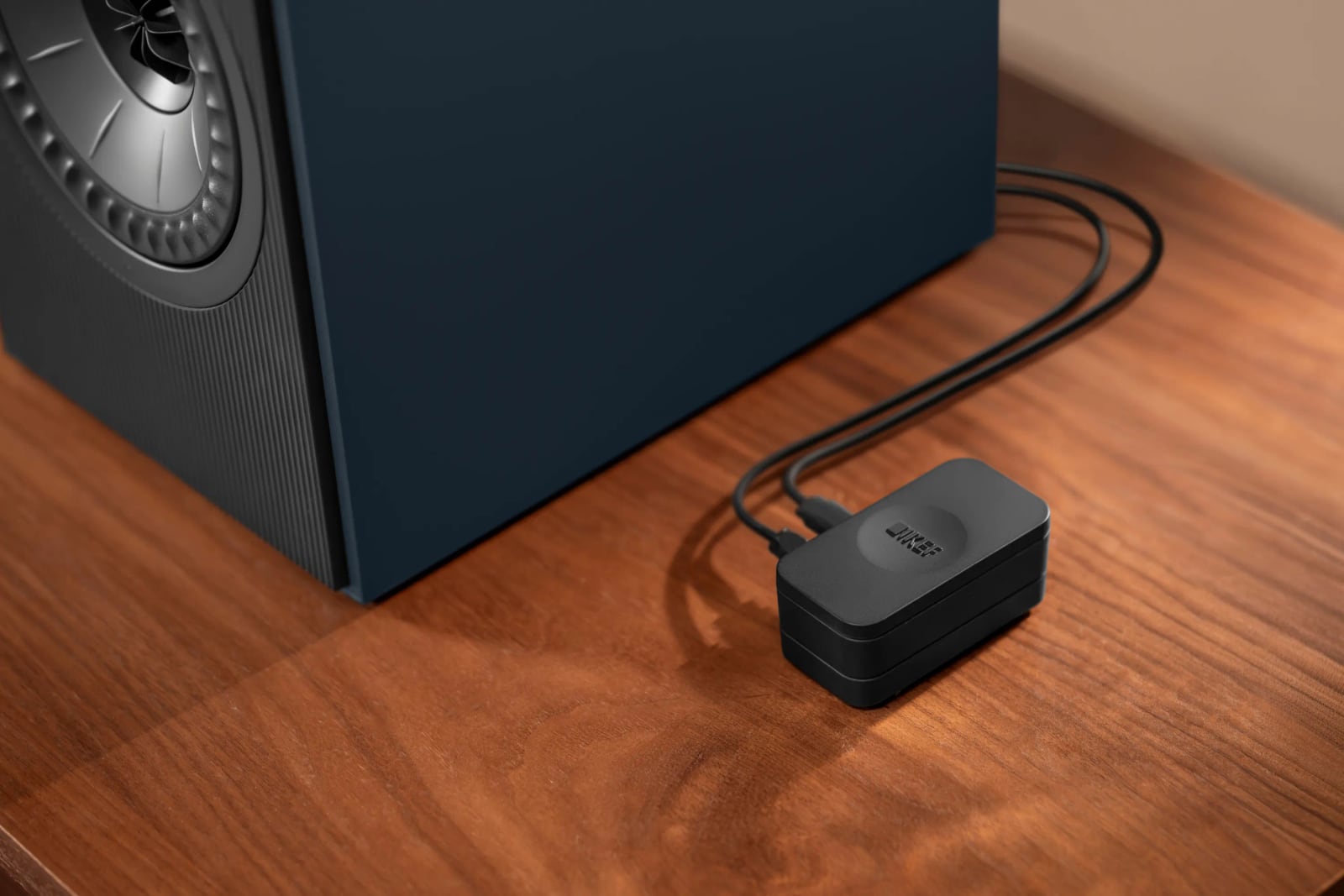
KEF has added support for wireless rear speakers to XIO through a firmware update today, giving owners a way to put surround channels behind their seats (opens in a new tab). The connection requires a KW2 RX Receiver, purchased separately, while pairing and rear channel configuration run through the KEF Connect app.
- Works with
- LSX II LT, Coda W and LSX II
- Connections
- KW2 RX Receiver required, sold separately
- Setup
- Pair and configure rear channels through the KEF Connect app
The compatible choices currently include LSX II LT, Coda W and LSX II. KEF says additional speakers will gain compatibility over the coming months and directs owners to check the KEF Connect app for updates. XIO uses its internal wireless transmitters to send surround audio to the selected speakers behind the listening position.
Used alone, XIO creates virtual surround through processing and sound reflected by room boundaries. Adding rear speakers redirects the soundbar's surround channels to those speakers, so those channels come from physical speakers behind the listener. XIO's own speaker arrangement is 5.1.2, with five main channels, a subwoofer channel and two overhead channels.
Check the space between your rear speakers
LSX II LT needs a cable between its two speakers, limiting their separation to 3m. LSX II can be mounted on a wall using the B1 bracket, giving owners another placement option for the rear channels. Beyond its role in the surround setup, LSX II supports multiroom playback through Roon, AirPlay 2 and Google Cast.
For music playback, XIO can turn mono and stereo material into multichannel audio. Its streaming connections include Bluetooth 5.3 and Wi-Fi, alongside Google Cast and AirPlay, with music services including Amazon Music, Spotify and Tidal.
Measure the distance between your intended rear speaker positions before choosing LSX II LT, whose connecting cable limits separation to 3m.